
12 Best AI Tools for Podcast Listeners to Save Time


Podcasts are a powerful source of knowledge, but the time commitment is a major bottleneck. For busy professionals, sifting through hours of content for key insights is inefficient. AI tools for podcast listeners solve this problem, helping you extract actionable intelligence in a fraction of the time.
This guide analyzes the most effective platforms available. We'll review tools that summarize, transcribe, and index audio content so you can get straight to the core ideas. Stop drowning in an endless queue of episodes and maximize your return on time.
This resource provides a detailed breakdown of each tool:
- A concise description and key features.
- Ideal user scenarios, from executives to researchers.
- An assessment of pros and cons.
- Clear pricing information.
Our goal is to help you find the perfect tool for your needs. Each review is structured for scannability, with direct links for you to explore. Let's dive in.
1. PodBrief
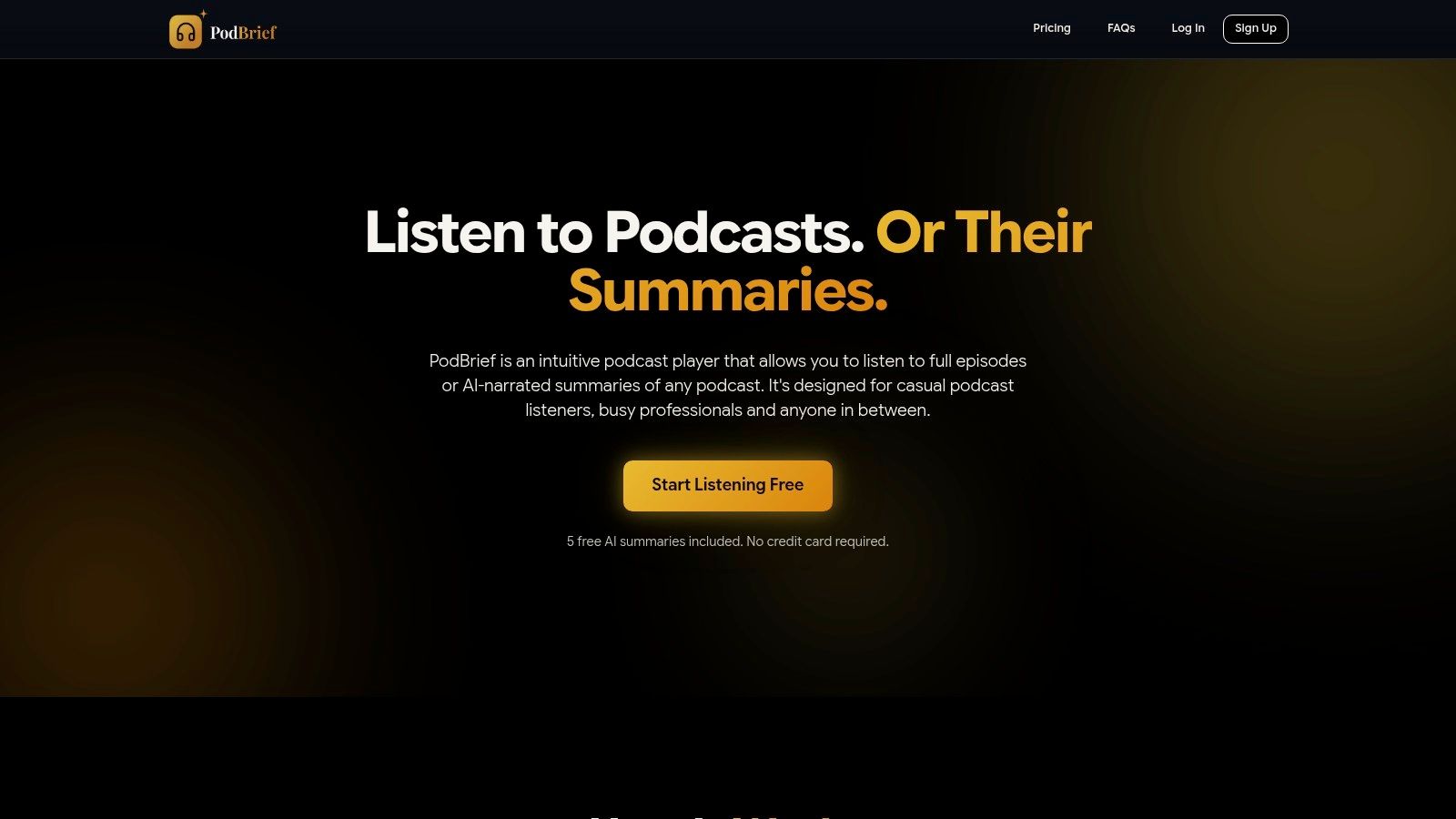
PodBrief is a comprehensive solution that integrates an AI summarizer with a full-featured podcast player. It converts hour-long episodes into concise five-minute briefs, available in both text and AI-narrated audio. This dual format lets you absorb key insights whether you prefer reading or listening on the go.
The platform's value is simple: maximize learning while minimizing listening time. It caters directly to busy professionals who need to stay informed but lack the hours for full episodes. The integrated personal library stores all summaries, turning your podcast consumption into a searchable knowledge base.
Key Features & Analysis
- Standardized 5-Minute Briefs: Every summary is structured to deliver core ideas in about five minutes. This creates a reliable and predictable user experience.
- Audio and Text Summaries: PodBrief provides AI-narrated audio summaries alongside text. This supports various habits, from commuting to focused desk work.
- Multilingual Support: Summaries can be generated in over 10 languages. This is invaluable for global teams and non-native English speakers.
- Integrated Player & Library: Stream full episodes and save AI summaries in one application. This streamlines your entire workflow.
Ideal User Scenarios
- Executives & Professionals: Quickly grasp industry trends before a meeting or during a commute.
- Students & Researchers: Efficiently extract key concepts from educational podcasts for notes and research.
- Content Curators: Rapidly scan episodes to identify relevant content for newsletters or social media.
Pros & Cons
- Pros: Significant time savings, multilingual output, integrated player and library, and a friction-free trial.
- Cons: AI summaries may miss subtle nuance. Full subscription pricing requires signup.
Pricing
PodBrief offers five free AI-generated summaries upon signup, with no credit card required. Ongoing subscription pricing is provided after creating an account.
Website: https://podbrief.io
2. Snipd
Snipd transforms the podcast player into a dynamic research and note-taking tool. It uses AI to generate interactive transcripts, detailed summaries, and automated chapters. This makes it a powerful tool for listeners who want to actively engage with content.
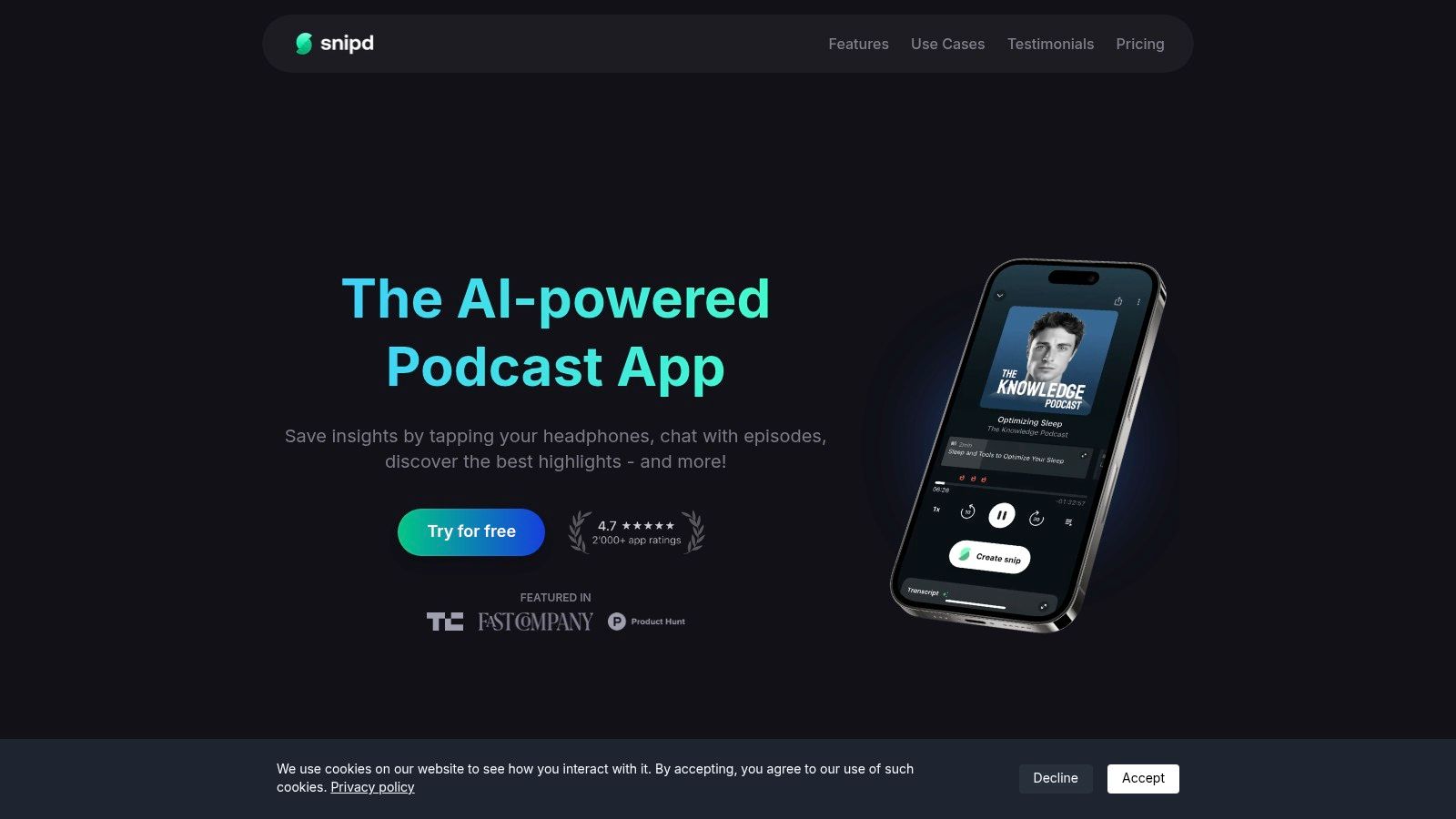
Its standout feature lets you "chat with episodes," asking questions and receiving timestamped answers. You can instantly find specific quotes or data points without re-listening. Snipd also lets you capture highlights ("snips") with a single tap, integrating seamlessly with tools like Notion and Readwise.
Key Features & Use Cases
- Ideal User: Students and researchers who integrate podcast insights into personal knowledge management (PKM) systems.
- Best Features: AI-generated transcripts, summaries, and the "Chat with Episodes" Q&A function.
- Top Use Case: Capturing a key insight during a commute and having it automatically exported as a transcribed note into your PKM.
| Pros | Cons |
|---|---|
| Deep integrations with PKM tools | Best experience is on the Apple ecosystem |
| Powerful "Chat" Q&A feature | Some advanced features require in-app purchases |
| Convenient highlight capture ("snips") |
Pricing: Snipd is free to download, with premium features available through in-app purchases.
How it differs from PodBrief: Snipd is a full-featured player for active listening and note-taking. PodBrief is a briefing service that delivers executive summaries, focusing on saving time without requiring a specific app.
Website: https://www.snipd.com
3. Podwise
Podwise acts as an AI learning assistant, transforming episodes into structured knowledge assets. It excels at generating summaries, key highlights, mind maps, and searchable transcripts. This makes it ideal for listeners focused on retention and study, helping to overcome podcast information overload.
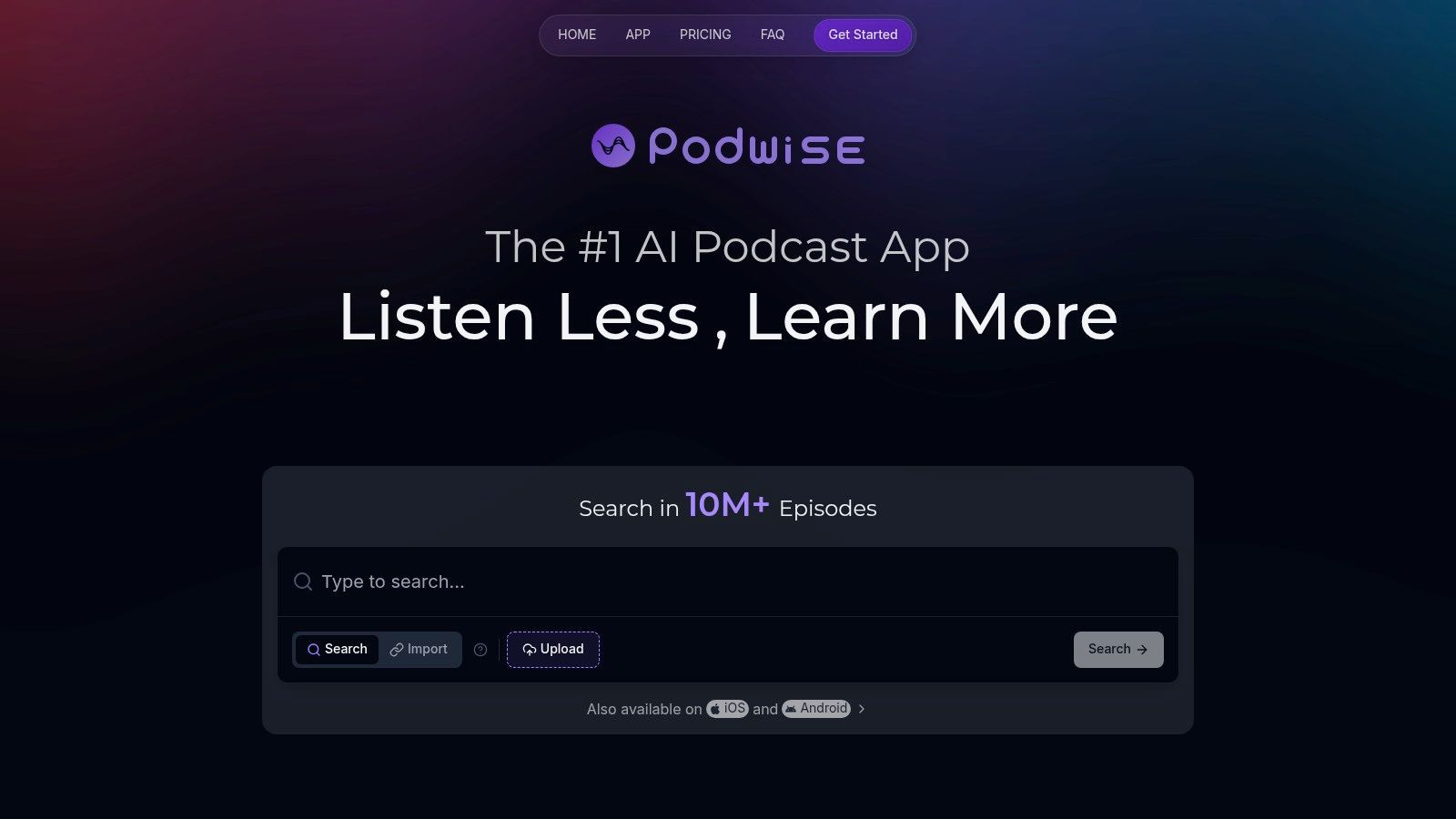
Its most unique feature is the creation of visual mind maps, which help connect ideas and show the conversation's flow. Podwise also offers a Q&A function and integrates with knowledge management tools like Notion and Obsidian, fitting podcast learnings into your existing workflow.
Key Features & Use Cases
- Ideal User: Students and academic researchers who use podcasts as a study tool and benefit from visual aids.
- Best Features: AI-generated mind maps, searchable transcripts, and multi-language translation.
- Top Use Case: Using a generated mind map and summary from an academic podcast as a study guide to retain core concepts.
| Pros | Cons |
|---|---|
| Designed as a study aid (mind maps + Q&A) | Newer product with a developing community |
| Useful for multilingual listeners and researchers | AI processing quotas apply on lower tiers |
| Generous integrations to maintain workflow continuity |
Pricing: Podwise offers a free plan with limited credits and paid plans starting at $14.99/month.
How it differs from PodBrief: Podwise is a learning platform for deep engagement with single episodes. PodBrief is an automated briefing service that delivers concise summaries, prioritizing time-saving and high-level awareness.
Website: https://podwise.ai
4. Podurama
Podurama is an all-in-one podcast player supercharged with AI features. It’s built for the power-listener who wants a seamless experience across multiple devices. The platform uses AI to generate episode summaries, trending snippets, and automatic chapters, helping you quickly decide what’s worth your time.
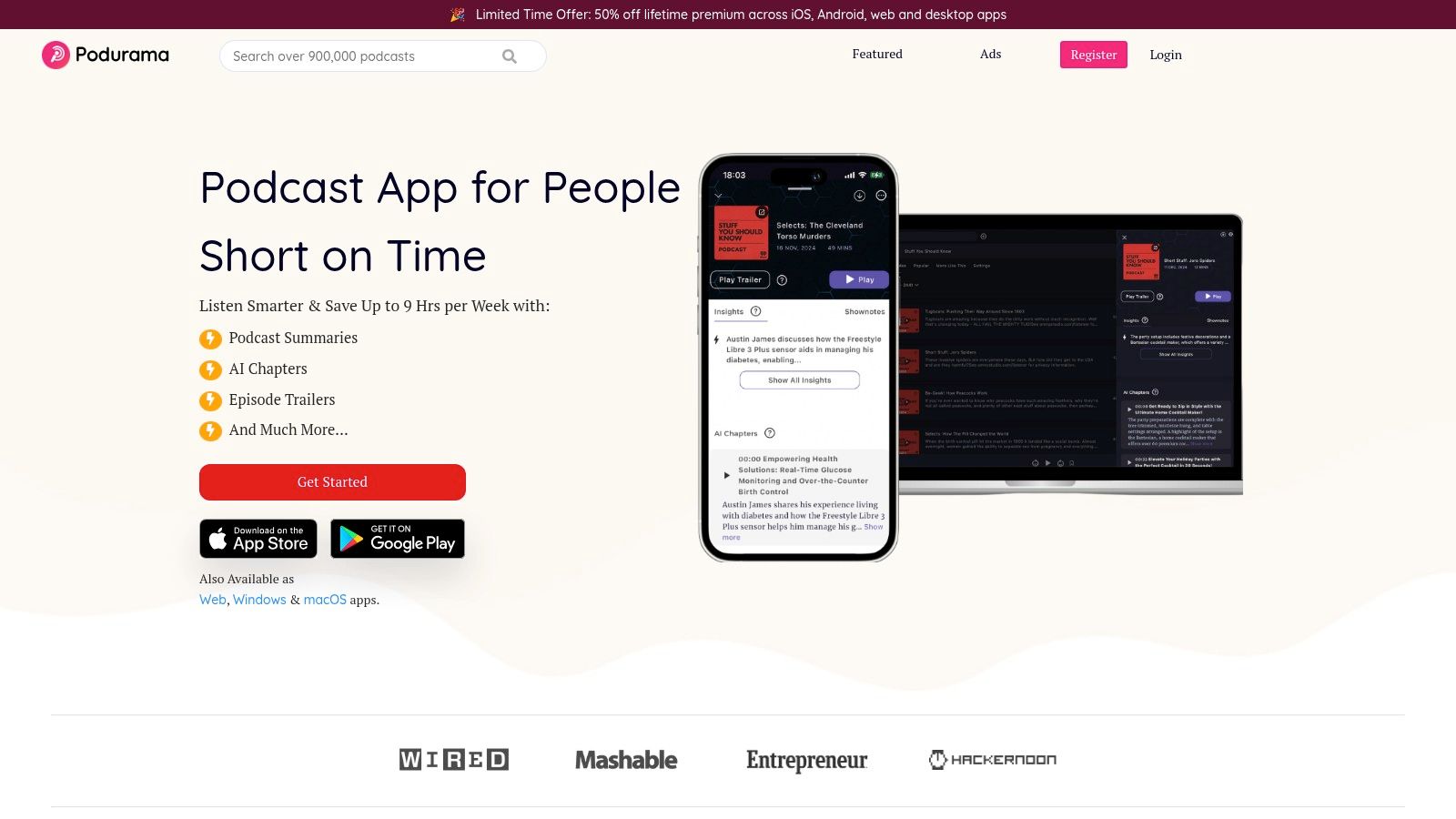
Podurama stands out with its robust cross-platform synchronization across iOS, macOS, and the web. You can start an episode on one device and continue on another without losing your place. The AI summaries provide a quick overview before committing to a full episode, making it a practical tool for efficient content filtering.
Key Features & Use Cases
- Ideal User: Heavy podcast listeners who use multiple devices and need a centralized app with AI-driven previews.
- Best Features: AI-generated episode summaries, trending snippets, and excellent cross-device sync.
- Top Use Case: Reading AI summaries on the web app to pick an episode, then seamlessly continuing it on your phone at the gym.
| Pros | Cons |
|---|---|
| Excellent cross-platform sync (iOS, macOS, Web) | AI feature limitations can vary with app updates |
| Combines a full player with useful AI summary features | Advanced features require a premium subscription |
| Ad-free experience even on the free tier |
Pricing: Podurama offers a free tier. A premium subscription starts at $3.99/month.
How it differs from PodBrief: Podurama is a comprehensive player and manager where AI enhances the in-app experience. PodBrief is a summary delivery service that sends briefings to your inbox, so you get key insights without opening a podcast app.
Website: https://www.podurama.com
5. Podsmart AI
Podsmart AI is a versatile summarization engine. It's a web-based service where you can request on-demand summaries from episode links, receive automated email briefings, and upload private audio for transcription. This makes it a flexible tool for processing both public and internal audio.
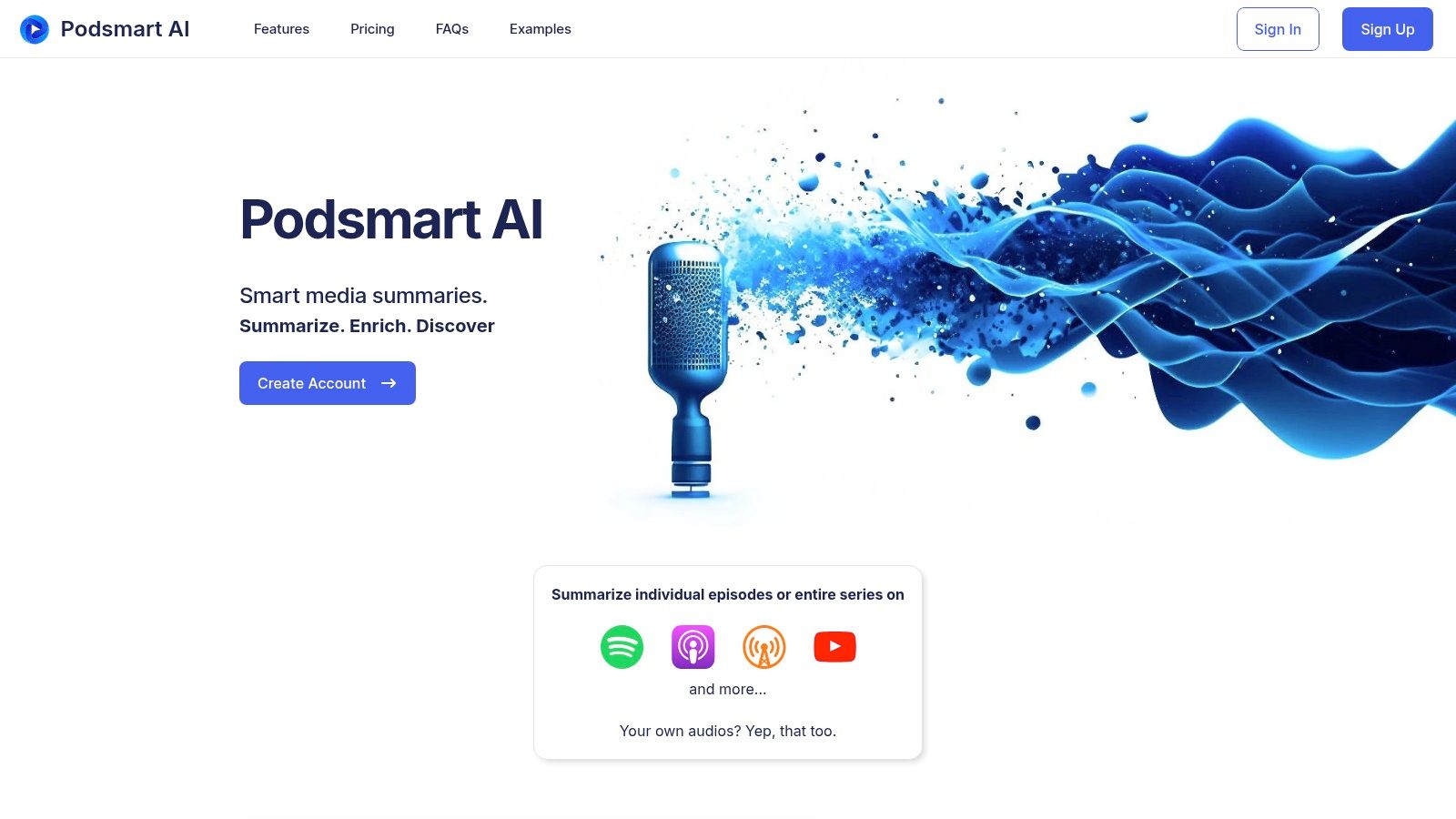
The platform's standout feature is topic-based alerts. You can follow specific keywords, and Podsmart AI will notify you when they appear in new episodes. This transforms it into a powerful intelligence-gathering tool, perfect for market researchers or journalists tracking specific trends.
Key Features & Use Cases
- Ideal User: Researchers and analysts who monitor topics across the podcast ecosystem and process private audio.
- Best Features: Topic-based alerts, on-demand summaries via URL, and private audio file uploads.
- Top Use Case: Setting an alert for a competitor's name and receiving email summaries of any podcast that mentions them.
| Pros | Cons |
|---|---|
| Simple, email-first workflow | Web-first experience; no native mobile app |
| Handles public podcasts and private recordings | Library coverage can vary by show popularity |
| Useful for monitoring topics, not just shows |
Pricing: Podsmart AI offers a free plan with limited features and paid plans for more extensive usage.
How it differs from PodBrief: Podsmart AI is a web platform for on-demand summaries and topic tracking. PodBrief is a "done-for-you" briefing service that proactively delivers summaries of top podcasts to your inbox.
Website: https://www.podsmartai.com
6. Snipcast
Snipcast is a powerful, on-demand AI service. Its workflow is frictionless: paste a link from Apple Podcasts or Spotify to receive a detailed summary. Paid plans unlock full transcripts and the ability to upload your own audio, making it a versatile tool for processing spoken content.
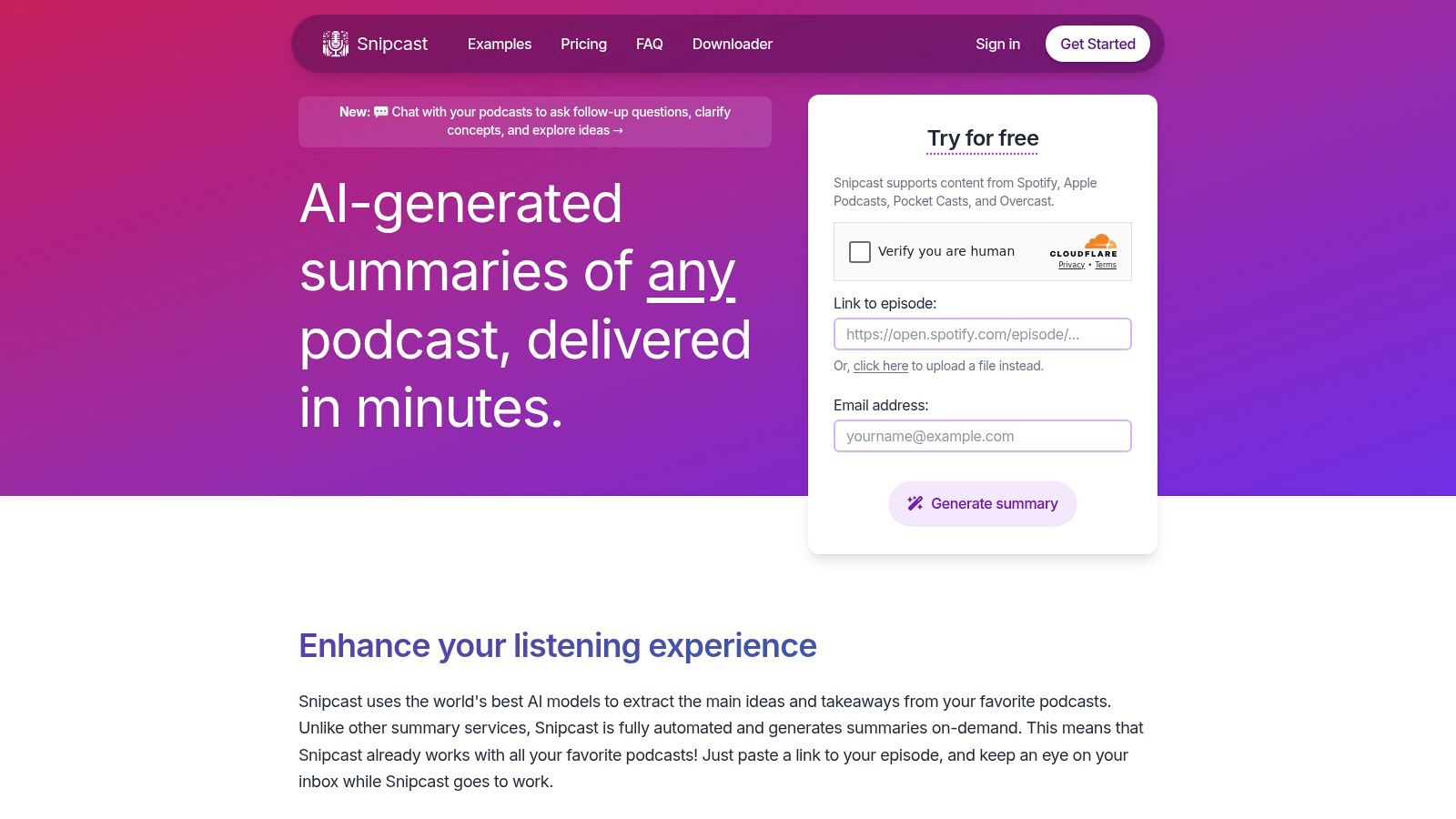
The platform’s standout feature is its "chat" functionality. It allows you to ask questions directly about the summary and transcript, turning it into an interactive research tool. Snipcast is one of the most efficient tools for listeners who want a quick, web-based solution for episode analysis.
Key Features & Use Cases
- Ideal User: Professionals who need to quickly evaluate or repurpose content from a single podcast episode.
- Best Features: URL-based summary generation, interactive chat on summaries, and direct email delivery.
- Top Use Case: A journalist pastes an interview link to instantly get key quotes, then uses the chat feature to verify details.
| Pros | Cons |
|---|---|
| Frictionless workflow requires no app install | Spotify exclusives are not supported |
| Clear free tier to test the service | Full transcripts and higher usage require subscription |
| Supports multi-language and audio uploads |
Pricing: Snipcast offers a free tier with limited credits. Paid plans are available for higher usage.
How it differs from PodBrief: Snipcast is an on-demand tool for processing single episodes via a URL. PodBrief is an automated briefing service that proactively pushes summaries from your subscribed shows to your inbox.
Website: https://snipcast.io
7. Podi
Podi is an AI summarization tool designed for speed and simplicity. It allows you to instantly generate concise recaps by either pasting a podcast link or searching for a show on its platform. Its minimalist design makes it highly efficient for triaging long episodes.
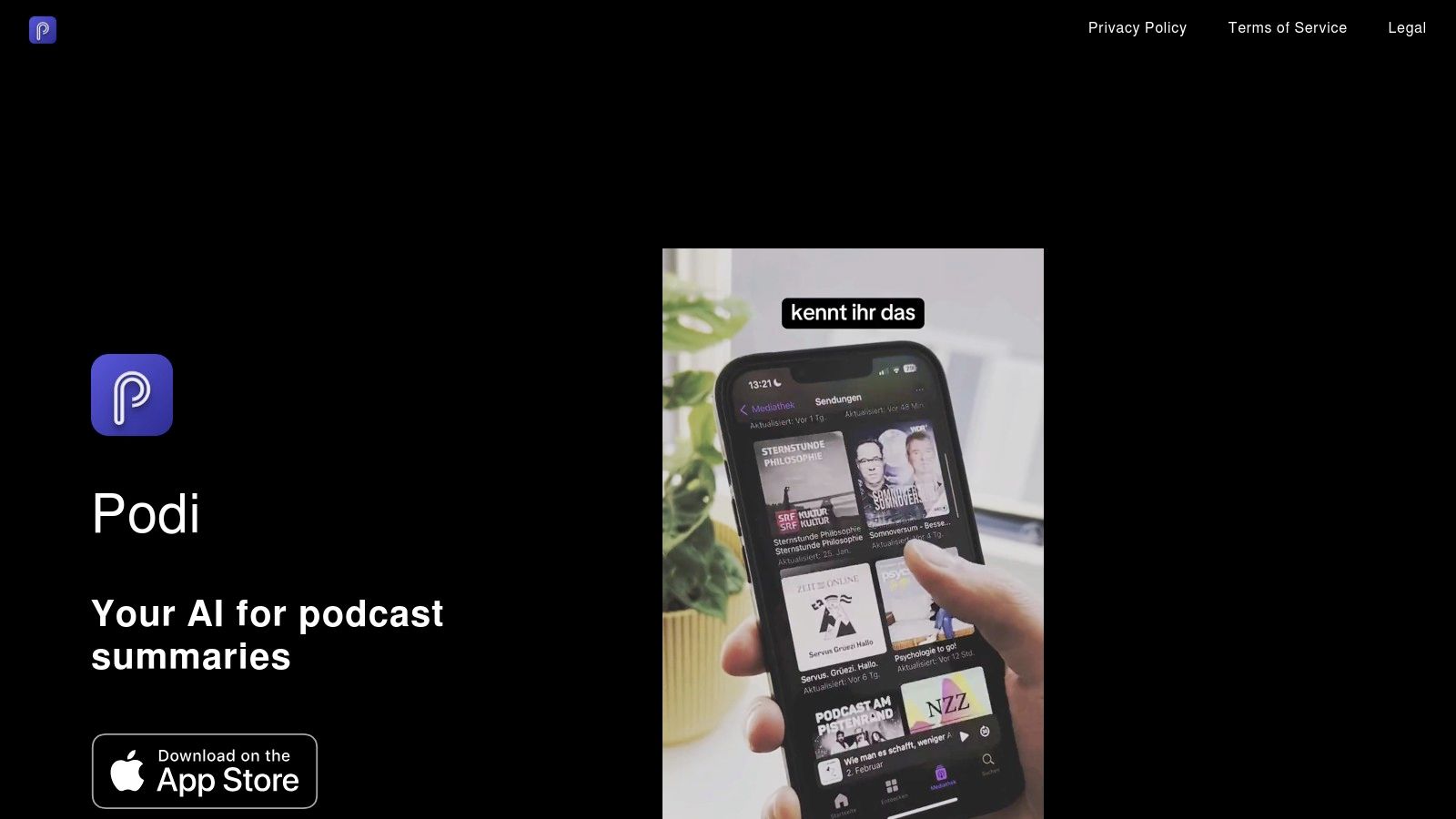
The platform excels at providing learner-oriented summaries that get straight to the core concepts. Podi concentrates on doing one thing well: giving you key takeaways in seconds. This makes it ideal for listeners facing an overwhelming backlog or those who need to rapidly scan episodes for relevance.
Key Features & Use Cases
- Ideal User: Time-crunched professionals and students who need to quickly determine if an episode is relevant.
- Best Features: Instant summary generation from a link and a clean, clutter-free user interface.
- Top Use Case: Pasting a link to a two-hour interview to get a one-minute summary, helping you decide whether to add it to your queue.
| Pros | Cons |
|---|---|
| Minimal, single-purpose design is fast and efficient | Limited public information on integrations |
| Accessible via web and mobile for quick lookups | Pricing and usage limits are not clearly detailed |
| Excellent for triaging podcast backlogs |
Pricing: Information on pricing and usage limits is not publicly detailed on the website.
How it differs from PodBrief: Podi is a manual tool where you paste links to get summaries one at a time. PodBrief is an automated briefing service that proactively pushes personalized summaries of your subscribed podcasts to your inbox.
Website: https://www.podi-app.com
8. NoteGPT (Podcast Summarizer)
NoteGPT is a versatile, browser-first summarizer for podcasts and YouTube videos. It works directly with RSS feeds or episode links to generate concise, transcript-driven summaries. This is an excellent choice for listeners who consume content across different platforms.
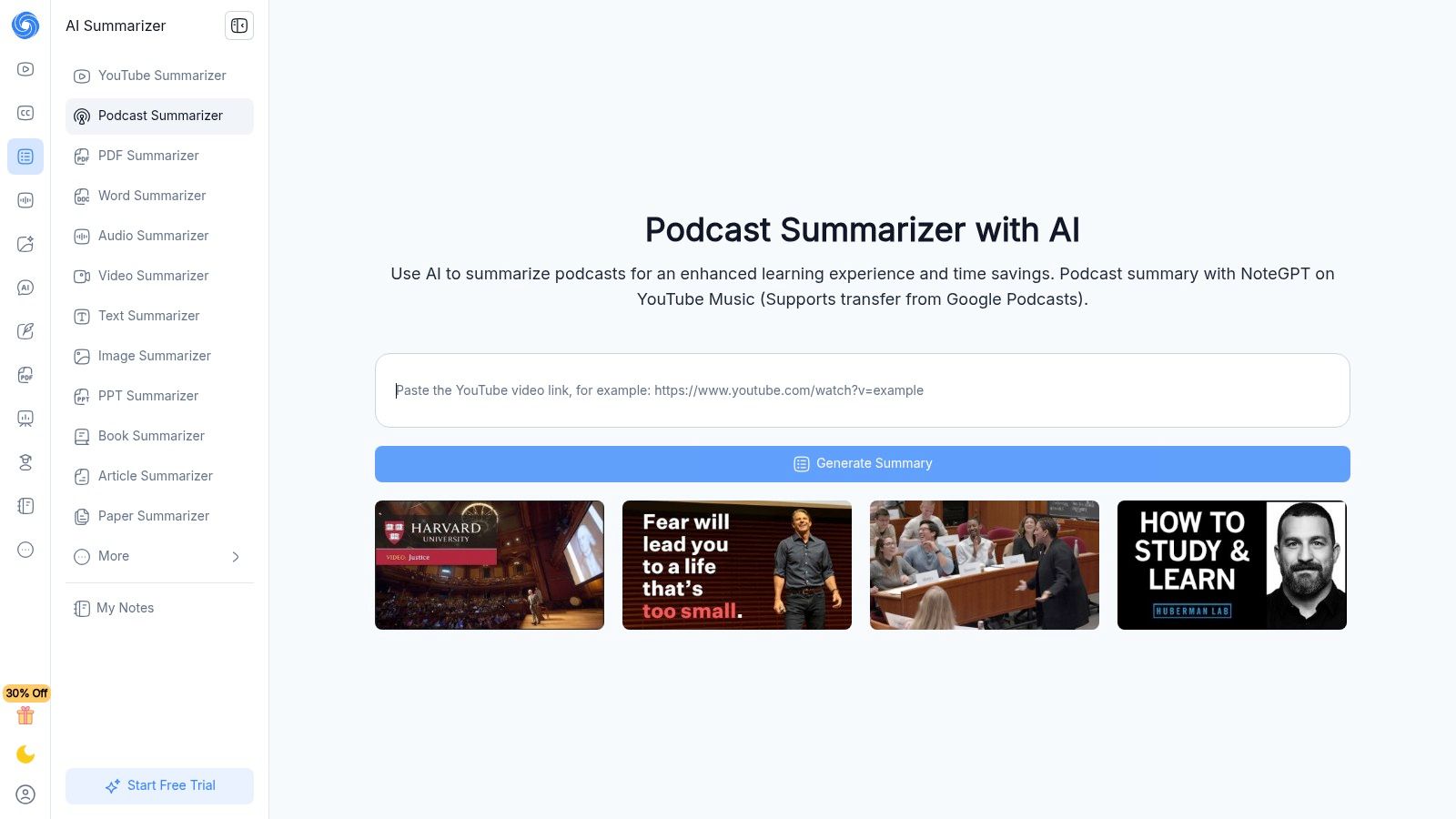
Its primary strength is its simplicity and flexibility. The browser extension allows you to generate a summary with just a few clicks. This workflow is ideal for quickly vetting an episode's content or for capturing the main points from a video you don't have time to watch.
Key Features & Use Cases
- Ideal User: Consumers who switch between podcasts and YouTube and need a simple, browser-based summarizer.
- Best Features: RSS feed and direct link support, YouTube summarization, and a Chrome browser extension.
- Top Use Case: Pasting a podcast link to receive a bulleted summary in under a minute, helping you decide if the content is relevant.
| Pros | Cons |
|---|---|
| Flexible for YouTube and RSS-based podcasts | Effectiveness can vary on long or complex episodes |
| Simple browser workflow with no player lock-in | Feature maturity and limits depend on the pricing plan |
| Easy to use with minimal setup |
Pricing: NoteGPT offers a free plan with limited credits and paid plans starting from $9.99/month.
How it differs from PodBrief: NoteGPT is an on-demand tool where you provide the link to get a summary. PodBrief is a fully automated briefing service that monitors your favorite podcasts, summarizes new episodes, and delivers them to your inbox.
Website: https://notegpt.io/podcast-summarizer
9. GitMind (AI Podcast Summarizer)
GitMind offers a unique, visual approach to podcast consumption by transforming audio into structured mind maps. This browser-based tool generates summaries, full transcripts, and an auto-generated mind map that outlines the episode's key arguments. This visual format is excellent for listeners who benefit from seeing connections between ideas.
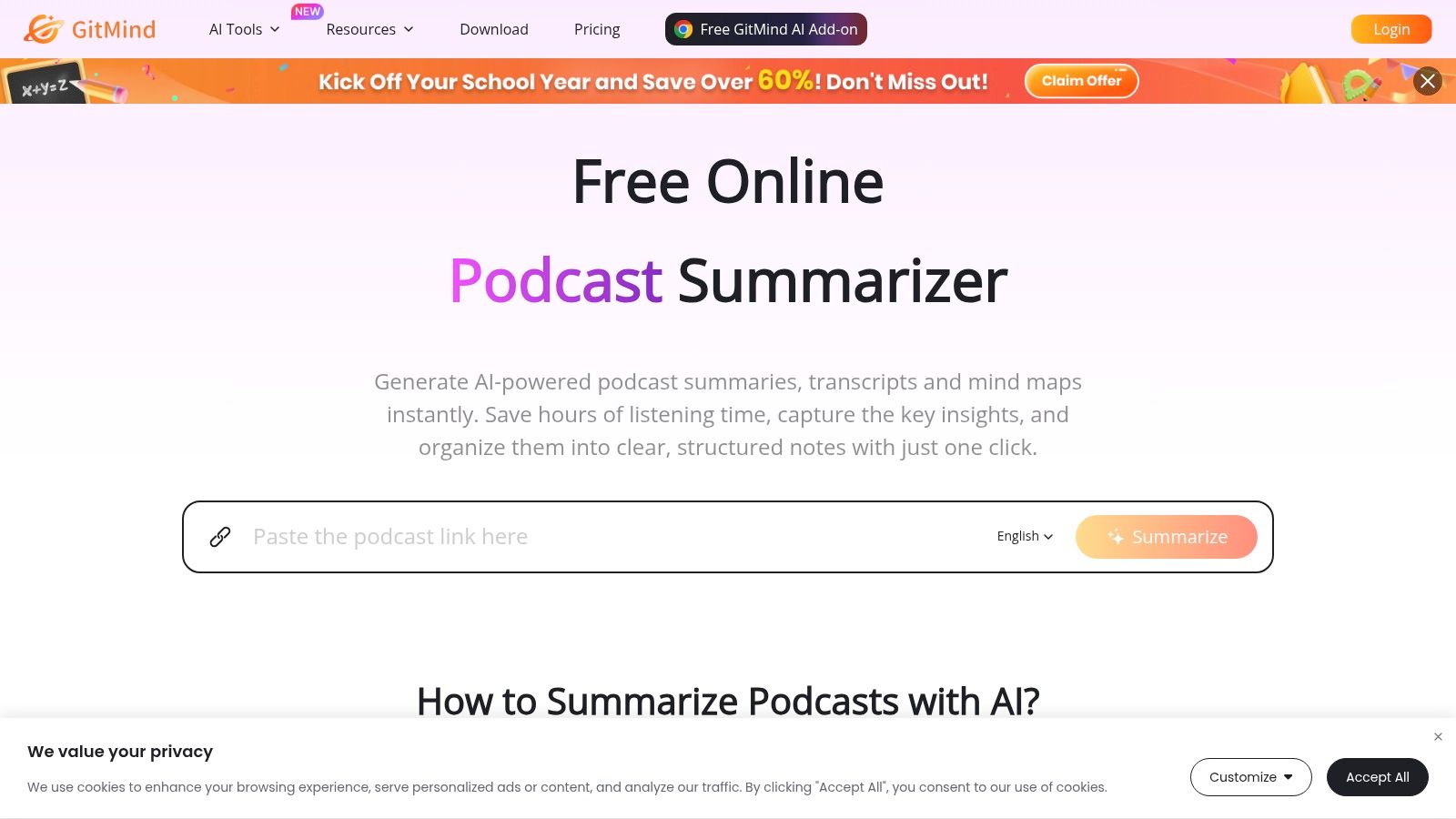
GitMind’s summarizer is designed for quick, zero-install analysis. You simply paste a podcast link to receive the visual breakdown, making it accessible for grasping an episode's framework. The mind map is particularly useful for retaining information or planning content based on the podcast's flow.
Key Features & Use Cases
- Ideal User: Visual learners and students who need to understand the structure of a podcast for study or research.
- Best Features: Auto-generated mind maps, browser-based accessibility, and integration with a larger suite of visual AI tools.
- Top Use Case: Pasting an episode link to generate a mind map, then using it as a study guide or a blueprint for a blog post.
| Pros | Cons |
|---|---|
| Visual mind maps aid retention and quick review | Free usage is limited to one podcast |
| Free and easy to test directly from the browser | Primarily a generalist AI suite, not a dedicated podcast app |
| No installation or account needed for a quick test | Accuracy can vary with audio quality |
Pricing: A free plan is available for one podcast summarization. Paid plans unlock more features.
How it differs from PodBrief: GitMind is a visual, on-demand tool for creating mind maps from a single episode. PodBrief is an automated service that delivers curated, text-based summaries directly to your inbox for consistent updates.
Website: https://gitmind.com/ai-podcast-summarizer
10. TubeOnAI (Podcast Summarizer)
TubeOnAI bridges the gap between listening and content creation. It accepts links from YouTube and Spotify, generating concise summaries that serve as a starting point for deeper engagement. The tool is designed for listeners who see potential in repurposing podcast content.
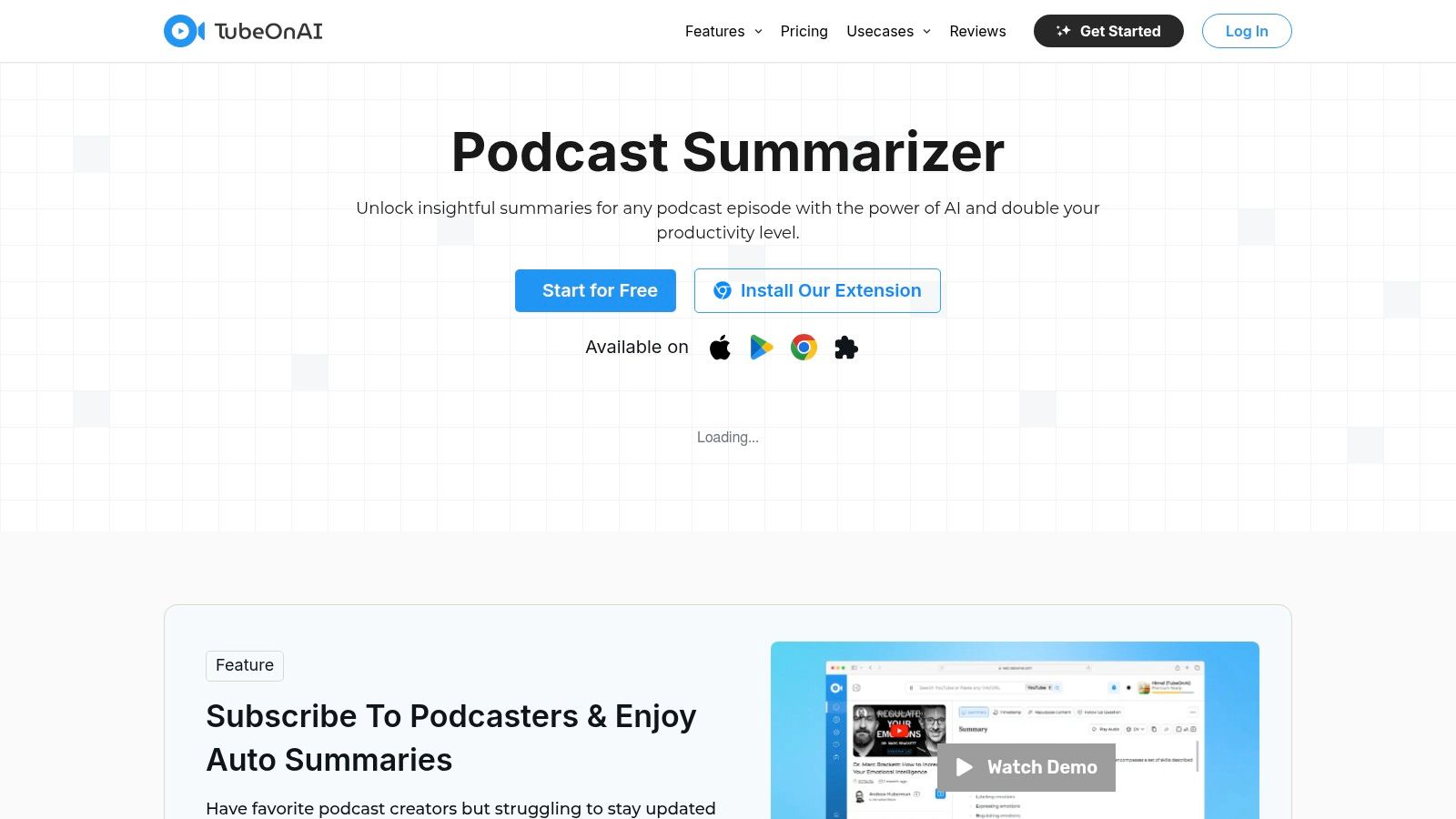
Its standout capability is its content repurposing engine. It can transform a single podcast into over 150 different content formats, from social media posts to blog outlines. Listeners can also ask follow-up questions to pull specific quotes or tips. All summaries are saved in a personal workspace.
Key Features & Use Cases
- Ideal User: Content creators and marketers who listen to podcasts for inspiration and want to quickly repurpose key insights.
- Best Features: AI summarization from YouTube/Spotify links, interactive Q&A, and an extensive content repurposing toolkit.
- Top Use Case: Taking a podcast link, generating a summary, and using the repurposing tool to create a Twitter thread and LinkedIn post.
| Pros | Cons |
|---|---|
| Excellent for repurposing episode content | Repurposing features may be overkill for casual listeners |
| Free account with a saved summary workspace | Apple Podcasts support may be limited |
| Cross-platform support (Web, iOS, Android) |
Pricing: A free plan is available. Paid plans with more advanced features are also offered.
How it differs from PodBrief: TubeOnAI is a hands-on tool for summarizing and repurposing specific episodes. PodBrief is an automated briefing service that delivers executive summaries of top podcasts directly to your inbox.
Website: https://tubeonai.com/podcast-summarizer
11. Apple Podcasts (Transcripts & Auto-Chapters)
Apple has integrated AI directly into its native Podcasts app, bringing features like auto-generated transcripts to its massive user base. While not a standalone tool, this system-level integration makes it one of the most accessible AI tools within the Apple ecosystem. It focuses on making audio content searchable and easier to navigate.
The primary benefit is the ability to read along, search for keywords, and tap any sentence to jump to that point in the audio. This simple function transforms how users find information, allowing them to skim long interviews or locate a specific topic. This built-in functionality improves both accessibility and efficiency for millions of users.
Key Features & Use Cases
- Ideal User: Casual listeners in the Apple ecosystem who want to easily search episodes without a third-party app.
- Best Features: Seamlessly integrated and searchable transcripts, tap-to-jump playback, and automatic chapter generation.
- Top Use Case: Quickly searching an interview for a specific term and jumping directly to that segment to re-listen.
| Pros | Cons |
|---|---|
| System-level integration with Apple devices | Lacks AI-generated summaries or key takeaways |
| No extra app or subscription required | Language and catalog coverage is still expanding |
| Improves accessibility and quick scanning of episodes |
Pricing: Free, included with the native Apple Podcasts app.
How it differs from PodBrief: Apple Podcasts provides a full, word-for-word transcript. PodBrief uses AI to synthesize the entire episode into a concise, executive summary, saving you listening time altogether.
Website: https://www.apple.com/apple-podcasts
12. Blinkist (Shortcasts)
Blinkist extends its book-summarization expertise to audio with Shortcasts. These are concise, 15-minute audio highlights of full-length podcast episodes. While not pure AI, it leverages human curation to identify and package the most crucial insights from popular podcasts.
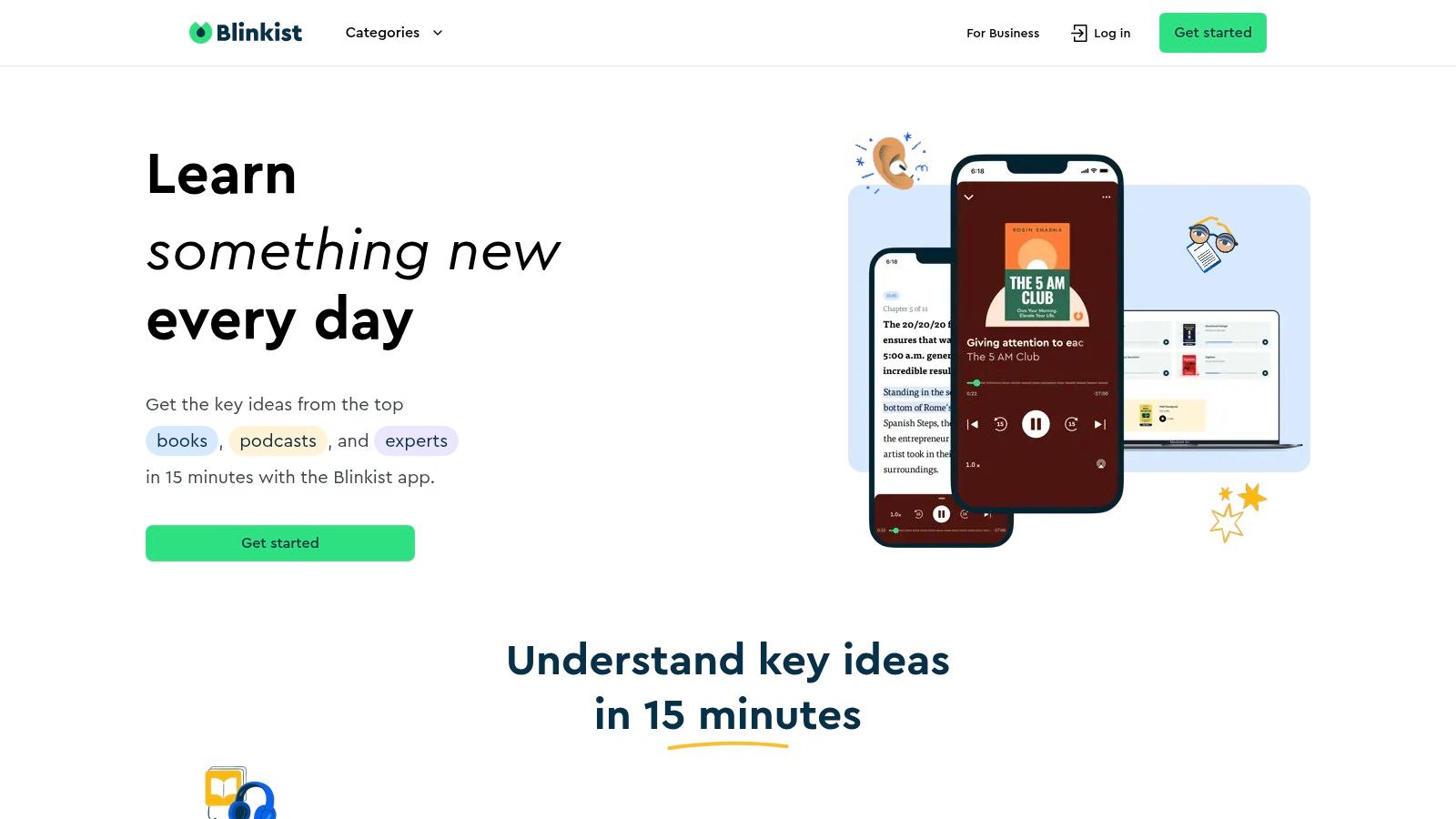
The platform integrates these Shortcasts into themed learning guides, turning passive listening into a structured educational experience. Instead of just summarizing, Blinkist contextualizes the content, making it a powerful resource for professional development. Users can either listen to the audio summaries or read the key takeaways.
Key Features & Use Cases
- Ideal User: Busy professionals who use Blinkist for book summaries and want a similar system for podcasts.
- Best Features: Human-curated 15-minute audio Shortcasts, integration into structured learning guides, and dual listen/read formats.
- Top Use Case: Discovering the key arguments from a new business podcast during a short break.
| Pros | Cons |
|---|---|
| High-quality, human-curated summaries | Coverage is selective; not all podcasts are included |
| Packaged into guided learning paths | Full access requires a paid Blinkist subscription |
| Great for quickly vetting new shows | Less about AI-powered features, more about curation |
Pricing: Access is included with a Blinkist Premium subscription, which offers a free trial.
How it differs from PodBrief: Blinkist provides human-curated audio "Shortcasts" for a select library of shows. PodBrief is a personalized, AI-driven service that delivers automated text summaries of any podcast you follow.
Website: https://www.blinkist.com
Top 12 AI Tools for Podcast Listeners — Feature Comparison
| Product | Core features | Quality ★ | Price / Value 💰 | Target audience 👥 | Unique selling points ✨ |
|---|---|---|---|---|---|
| PodBrief 🏆 | 5‑min AI briefs (text + AI narration), integrated podcast player, personal library, 10+ languages | ★★★★☆ | 💰 5 free summaries; subscription (pricing not public) | 👥 Busy professionals, students, researchers, multilingual listeners | ✨ Standardized 5‑min briefs, seamless listen+summarize, multilingual audio & text |
| Snipd | AI summaries, auto‑chapters, speaker‑labeled transcripts, "chat with episodes", PKM exports | ★★★★☆ | 💰 Freemium + in‑app purchases | 👥 Apple ecosystem users, note‑takers, researchers | ✨ Deep podcast‑native features, strong PKM integrations |
| Podwise | Summaries, key insights, searchable transcripts, mind maps, translations, PKM exports | ★★★★ | 💰 Freemium/tiers with quotas | 👥 Students, researchers, multilingual learners | ✨ Mind maps + Q&A for retention, study‑oriented workflows |
| Podurama | AI summaries, trending snippets, auto‑chapters, discovery, cross‑device sync | ★★★★ | 💰 Free tier (no ads), premium upgrades | 👥 Heavy listeners, multi‑device users | ✨ Cross‑platform player with AI previews & discovery charts |
| Podsmart AI | On‑demand summaries, auto‑email digests, topic alerts, private audio uploads | ★★★☆ | 💰 Web‑first; subscription for heavy use | 👥 Email‑centric professionals, researchers monitoring topics | ✨ Email delivery + topic alerts, handles private uploads |
| Snipcast | URL‑to‑summary, chat on summaries, email delivery, transcripts on paid plans, multi‑lang | ★★★★ | 💰 Clear free tier; paid for transcripts/higher usage | 👥 Quick triage listeners; users wanting simple link workflow | ✨ Frictionless URL workflow + chat on summaries |
| Podi | One‑tap summaries from links, in‑app search, learner‑oriented recaps, minimal UI | ★★★★ | 💰 Undisclosed; web/mobile access | 👥 Casual listeners who want fast triage | ✨ Single‑purpose, ultra‑fast summary flow |
| NoteGPT (Podcast) | RSS/link summarization, transcript‑driven summaries, browser extension support | ★★★ | 💰 Freemium/plans vary by usage | 👥 Browser users, YouTube + podcast consumers | ✨ RSS + browser extension convenience |
| GitMind (AI) | Link→summary & transcript, auto mind maps, browser‑based, part of AI suite | ★★★ | 💰 Free (limited) | 👥 Visual learners, quick testers | ✨ Auto mind maps for visual organization, zero install |
| TubeOnAI | Summaries for Spotify/YouTube, follow‑ups Q&A, repurpose into 150+ formats, saved workspace | ★★★ | 💰 Free account available; premium features | 👥 Creators, repurposers, listeners who want content outputs | ✨ Robust repurposing tools + saved workspace |
| Apple Podcasts | Auto transcripts, tap‑to‑jump playback, searchable text, auto‑chapters (rolling out) | ★★★★ | 💰 Built‑in (free app) | 👥 iOS/macOS users, accessibility‑focused listeners | ✨ System‑level transcripts & playback integration |
| Blinkist (Shortcasts) | Curated ~15‑min Shortcasts, learning guides, mobile/web access | ★★★★ | 💰 Paid subscription for full access | 👥 Learners wanting human‑curated highlights | ✨ Human‑curated short audio + guided learning flows |
Your Next Step: From Information to Action
You've explored the landscape of AI tools for podcast listeners. The days of passively consuming hours of audio are over. Today, technology empowers you to actively extract value from every episode.
We've covered a wide spectrum of solutions. Your choice isn't about finding the single "best" tool, but the right one for your specific workflow.
Key Takeaways: Defining Your AI Podcast Workflow
Before choosing a tool, define your core need. Your goal dictates the ideal solution.
For Deep Researchers & Note-Takers: To integrate podcast insights into a PKM system like Notion, you need robust clipping and export features. Snipd and Podwise excel here, turning listening into a powerful research activity.
For Quick, Occasional Summaries: If you need a one-off summary, a lightweight, web-based tool like GitMind or TubeOnAI is perfect. They require no installation and provide immediate summaries without commitment.
For High-Level Executive Briefings: Busy professionals need rapid absorption of critical insights. The goal is the "so what" from an interview, delivered in minutes. This workflow demands efficiency, not just information capture.
The goal for a busy executive is to reduce steps, not add them. PodBrief solves this problem by integrating AI-powered briefs directly into a full-featured podcast player. It saves you time by removing the friction of juggling multiple apps or pasting URLs.
Selecting Your Tool: Practical Considerations
As you evaluate these tools, consider these final factors:
- Workflow Integration: Does the tool fit your existing habits? Less friction is better.
- Output Format: Do you prefer reading text or listening to an audio summary? For commuters, an audio brief is more practical.
- Cost vs. Value: Evaluate pricing based on the time it saves you. If a $10/month subscription saves five hours, the ROI is significant.
- Platform Availability: Ensure the tool is available on your preferred devices (iOS, Android, web).
The AI revolution in audio is not about replacing deep-dive podcasts. It’s about augmenting your ability to learn. It empowers you to filter noise, pinpoint the signal, and convert listening into actionable intelligence.
Ready to stop sifting and start knowing? PodBrief was built for the busy professional who needs distilled, actionable insights without the friction. It's the only tool that integrates AI-powered text and audio briefs directly into a podcast player, saving you time and streamlining your learning. Try PodBrief for free today and get an executive briefing for your favorite podcasts.


