How to Make a Podcast with an iPhone: A Beginner's Guide
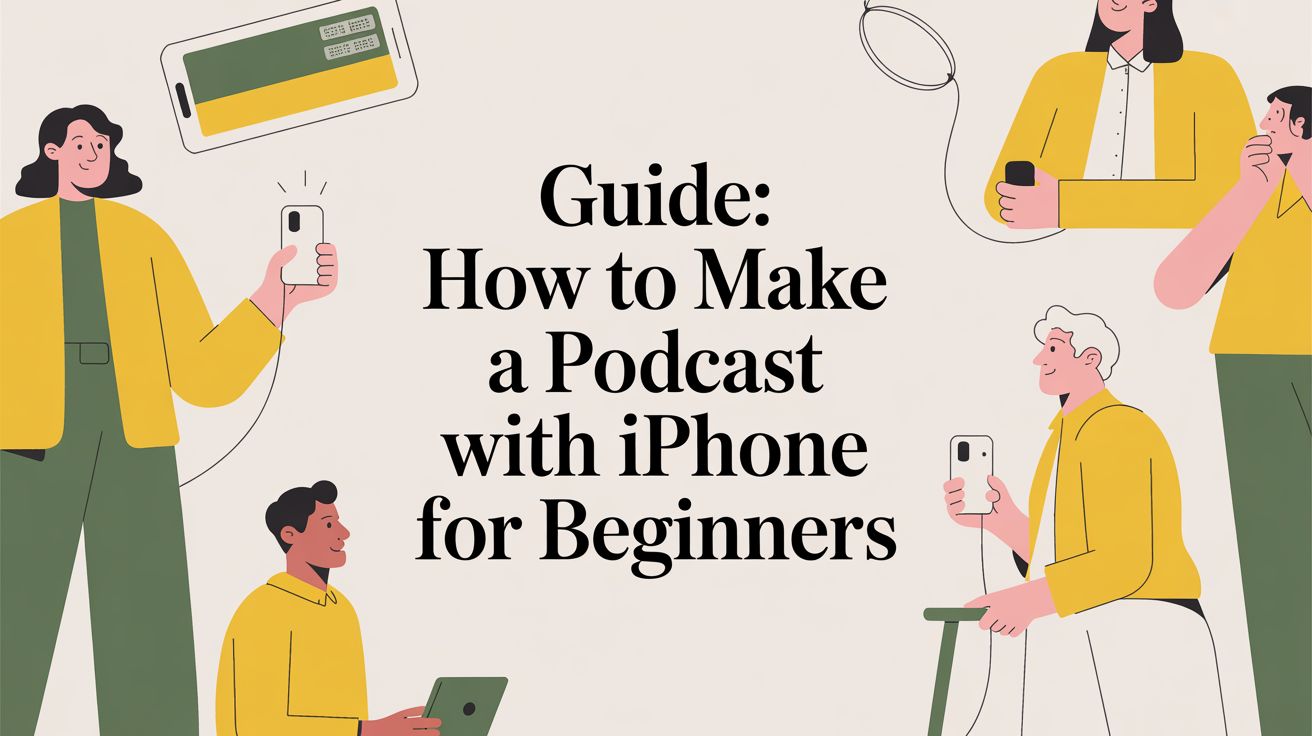
You don't need a professional studio to launch a successful podcast. The device in your hand is a powerful production tool. Your iPhone can handle recording, editing, and publishing your show.
This guide provides a direct workflow for busy professionals. We will cover the essential apps, affordable microphones, and optimal settings. Learn how to list your show on Apple Podcasts and Spotify. The goal is simple: create quality audio with minimal friction.
The entire process involves three core stages, all managed from your phone.
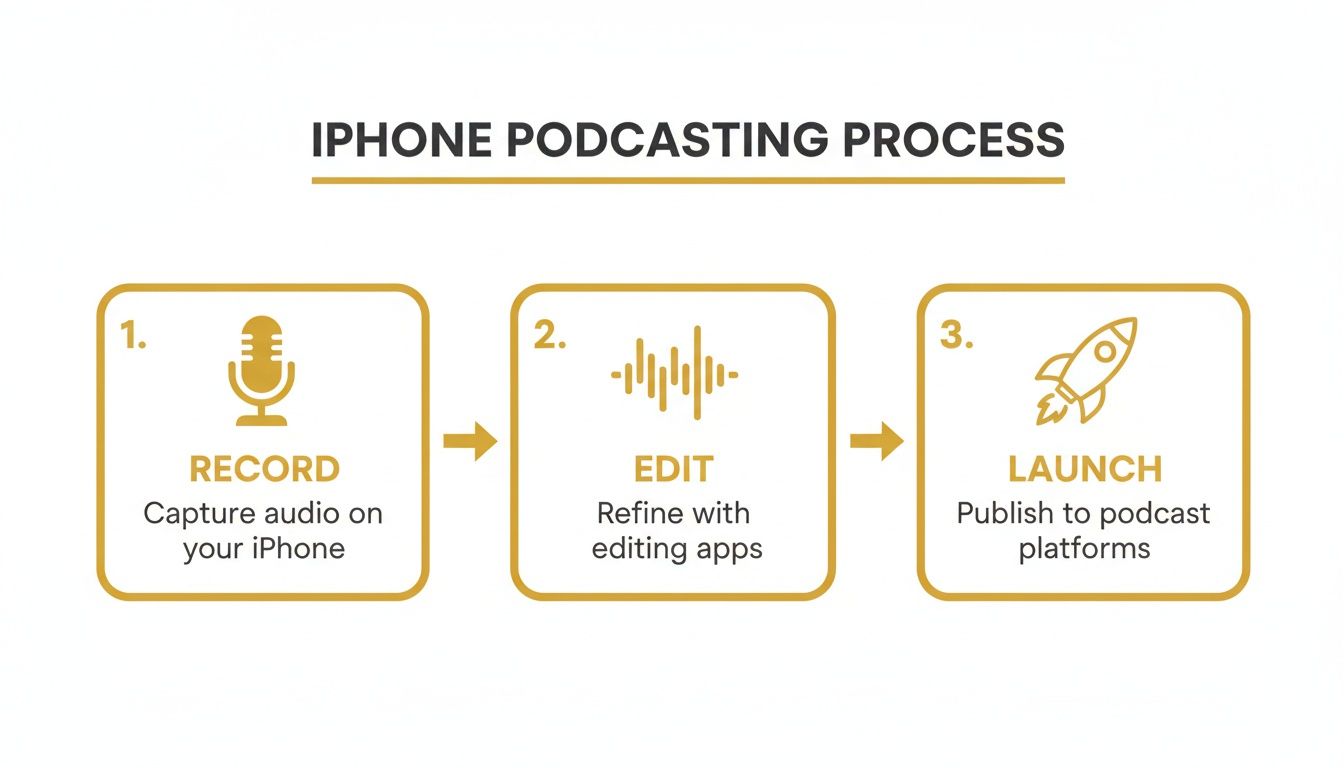
From recording to launch, every step can be completed on your iPhone.
Choosing Your Essential Gear and App Setup
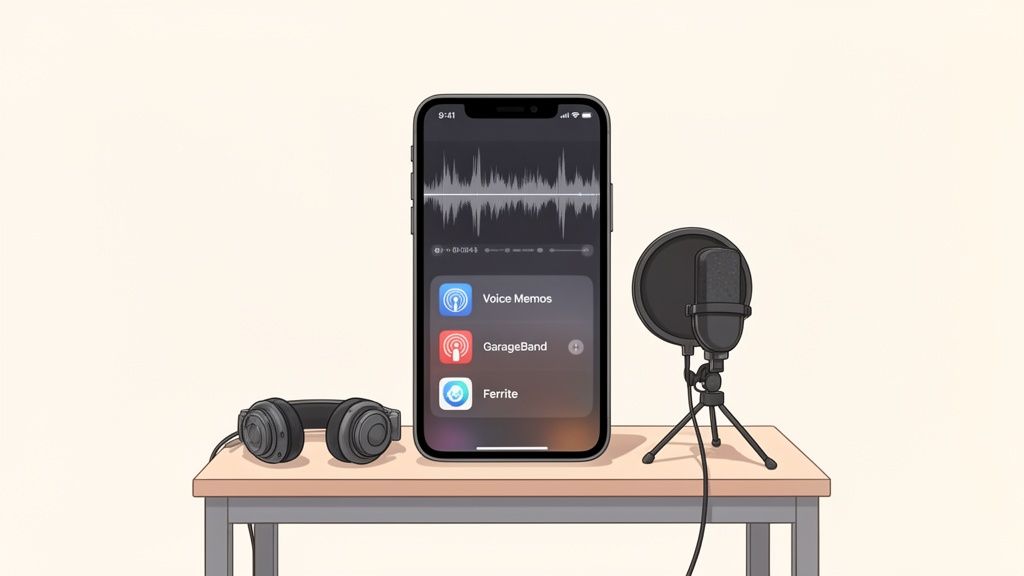
Great audio is non-negotiable. While your iPhone's built-in mic is adequate, an external microphone provides the biggest quality improvement.
The goal is professional sound with portable gear. A small investment in a plug-and-play mic separates amateur audio from a polished production.
Select Your Microphone
You do not need an expensive setup. A direct-input mic that plugs into your iPhone will dramatically improve your audio.
- iPhone Internal Mic: Use this only as a last resort. Find a quiet, furnished room to reduce echo. Keep the phone a consistent distance from your mouth.
- Rode VideoMic Me-L: A top recommendation for beginners. It plugs into the Lightning port and isolates your voice, reducing background noise. This is the best value for under $100.
- Shure MV88: A step-up option for more control. It offers multiple recording patterns, ideal for various environments or co-hosted shows.
Build Your Mobile App Toolkit
Desktop editing is no longer necessary. The right apps turn your iPhone into a full production suite. Simplicity is key to a sustainable workflow.
Producing on an iPhone makes sense, as 62.1% of podcast listeners worldwide use one. Even the native Voice Memos app captures high-quality 24-bit audio, which is sufficient for professional sound.
Bottom Line: A simple app setup you master is better than a complex one you rarely use. Start with powerful free tools before purchasing an app.
You only need two primary apps: one for recording and one for editing. For a deeper dive, review this list of free podcasting software.
iPhone Podcast App Comparison
This table compares popular apps for recording and editing your podcast.
| App | Best For | Key Features | Price |
|---|---|---|---|
| Voice Memos | Simple Capture | Lossless audio format, basic trimming, native integration. | Free |
| GarageBand | Multi-track Editing | Layering intros/outros, adding music, basic audio effects. | Free |
| Ferrite Studio | Advanced Editing | Noise reduction, automation, multi-track editing, chapter marks. | Free (Pro features via IAP) |
Voice Memos is perfect for capturing simple solo recordings. GarageBand is the next step for adding music or assembling clips. For advanced features like noise reduction, Ferrite is the best choice.
Recording and Editing Your Podcast on the Go
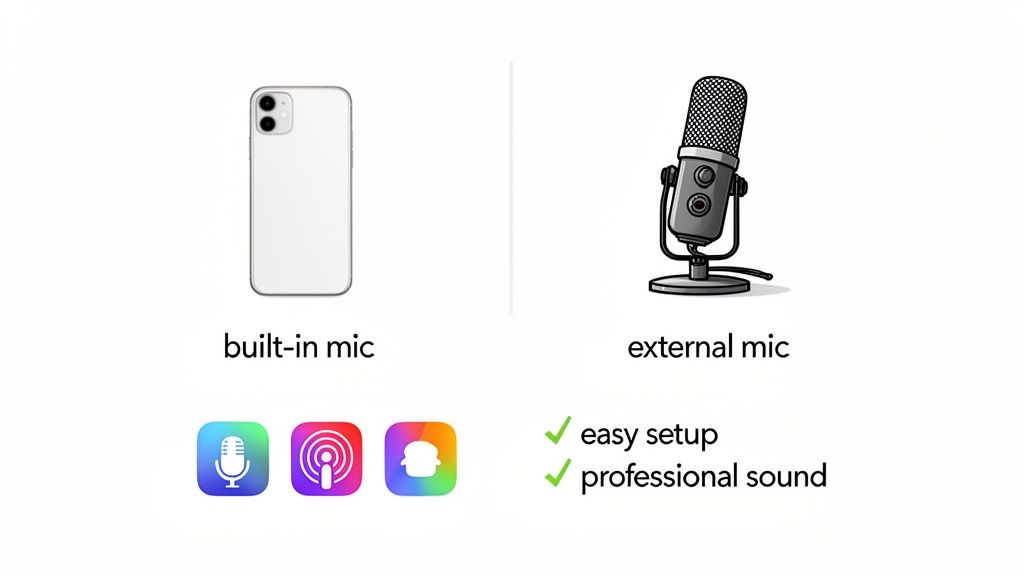
High-quality audio is essential. You can achieve it without a professional studio. This section provides a practical guide to capturing and editing clean audio on your iPhone.
Your recording space is critical. Find a quiet spot with soft surfaces to absorb sound, like a walk-in closet or a carpeted room. This simple step significantly improves audio quality by eliminating echo and reverb.
Dialing in Your Recording Settings
Next, adjust a key setting on your iPhone. Record in a lossless format to capture the best possible audio for editing.
- Go to Settings > Voice Memos > Audio Quality.
- Select "Lossless" instead of the default "Compressed."
Lossless files retain all audio data, providing more flexibility during editing. Compressed files discard information permanently.
For remote interviews, use an app like Riverside.fm. It records each participant's audio locally, so poor internet connections won't ruin the recording quality.
A Lean, Mean Mobile Editing Workflow
The goal of editing is efficiency. Create a process so streamlined you can edit an episode on your lunch break.
Over 90% of podcast listening occurs on mobile devices, and iPhones account for 64.9% of that traffic. Apps like Ferrite Recording Studio are designed for this mobile-first reality. They turn your iPhone into a pocket-sized editing suite.
Key Takeaway: Your editing process should be as mobile as your audience. A streamlined, app-based workflow allows content creation from anywhere.
Use this simple editing checklist:
- Cut the Fluff: Remove long pauses, filler words ("ums," "ahs"), and mistakes. This makes your episode tighter and more professional.
- Assemble the Pieces: Arrange your intro, main content, and outro in order.
- Add Your Music: Use GarageBand or Ferrite to layer in your theme music for a polished sound.
- Balance the Volume: Ensure all audio elements (voice, music) are at a consistent, comfortable level.
This straightforward process keeps you moving. To accelerate editing, explore the best AI tools for podcasters that can automatically remove filler words.
Getting Your Episode Out There: Hosting and Final Touches
You have recorded and edited your audio. Now it's time to prepare the file for distribution so listeners can find it.
First, export your audio as an MP3 file. This is the universal format for podcasts. Apps like Ferrite or GarageBand support this format.
Bottom Line: For a spoken-word podcast, a mono MP3 file at 96 kbps is ideal. It provides clear voice quality while keeping the file size small.
Where Does Your Podcast Live? Choosing a Host
A podcast host stores your audio files and generates the RSS feed that directories like Apple Podcasts and Spotify use to list your show.
Warning: Never upload audio files directly to your personal website. This will slow down your site and is not designed for podcast distribution.
Choose a host with a good mobile experience. Here are three solid recommendations:
- Buzzsprout: Excellent for new podcasters. It has a clean interface and easy-to-understand stats.
- Transistor: A professional choice for managing multiple shows. It offers powerful analytics.
- Simplecast: Best for data-driven creators. It provides detailed listener analytics for deep audience insights.
A good host simplifies the final publishing steps.
Filling in the Blanks: Episode Title, Notes, and More
After uploading your audio, you must add metadata. This includes the episode title, summary, and show notes. This information helps attract listeners and improves searchability.
Show notes are a powerful tool for adding value. For more details, read this guide on how to make a transcript for a podcast.
Draft your metadata in your iPhone's Notes app, then copy it into your host's dashboard. Use this simple structure:
- Quick Summary: A brief, engaging paragraph to hook the listener.
- Key Takeaways: A bulleted list of the main points.
- Mentioned Resources: Links to any websites, books, or tools discussed.
- Timestamps: Help listeners navigate to specific sections.
Getting Your Podcast Out Into the World
Your first episode is ready. The final step is distribution and promotion to attract your first listeners.
Your podcast's RSS feed is the key. This unique link, created by your host (like Buzzsprout or Transistor), is submitted to podcast directories. New episodes are then automatically distributed to subscribers.
Submitting to the Big Players: Apple and Spotify
Listing your podcast is straightforward. You need your RSS feed link, cover art, and show description. This is a one-time setup for each platform.
Apple Podcasts and Spotify are the most important directories.
- Apple Podcasts: Go to Apple Podcasts Connect and sign in. Add a new show and paste your RSS feed link. Apple's review may take a few days.
- Spotify for Podcasters: Visit the Spotify for Podcasters site. Create an account and submit your RSS feed. Approval is typically almost immediate.
Once you receive confirmation emails, your podcast is live.
Smart Promotion for People with No Time
As a busy professional, you need an efficient marketing strategy. Focus on a few high-impact tactics you can manage from your phone.
Apple Podcasts hosts 117.19 million episodes and accounts for 40.3% of downloads. Making a strong first impression here is crucial. For more context, these podcast industry statistics highlight the competitive landscape.
My advice? Launch with the same efficiency you used for recording. Focus on smart moves that create buzz and drive initial downloads.
Here are a few quick wins:
- Make an Audiogram: Create a short video clip of your audio with a moving waveform using an app like Headliner. Post it on professional networks like LinkedIn.
- Write a Real Announcement: Craft a direct message for your network. Explain who the show is for and what problem it solves. Make it about the listener's value.
- Ask for Early Ratings & Reviews: In your first episodes, ask listeners to leave a rating and review on Apple Podcasts. This social proof is powerful for attracting new listeners.
Your Path to Effortless Podcasting
This is a complete blueprint for launching a podcast with just an iPhone. We have covered the gear, apps, and workflow needed to get from recording to launch.
The barriers to starting a podcast are gone. You can create a professional show that fits into a busy schedule. The most important factors are consistency and delivering value to your audience.
As your show grows, you'll need a stream of fresh ideas. A tool like PodBrief provides AI-powered summaries of top podcasts, saving you hours of research. It helps keep your content sharp and relevant. Staying current on industry trends is difficult, but PodBrief solves this by delivering key insights directly to you.
Ready to improve your content strategy? Try PodBrief for free at podbrief.io.
Got Questions About iPhone Podcasting?
Starting a podcast from your phone can bring up questions. Here are answers to common concerns from new creators.
Can I Really Get Away With Using the iPhone's Built-In Mic?
For your first episodes, the built-in microphone is adequate. Record in a quiet, furnished space to get clean audio. Keep the phone a consistent distance from your mouth.
However, an external microphone is the single best investment for serious podcasters. A quality Lightning or USB-C mic costs less than $100 and massively improves audio quality. It's the difference between a phone call and a professional podcast.
How Do I Record a Remote Interview on My Phone?
Use an app designed for remote recording. Services like Riverside.fm record each person's audio locally. This ensures clear audio quality regardless of internet connection stability.
Alternatively, use the "double-ender" method. Start a phone call and have both you and your guest record on your own Voice Memos app. Your guest then sends you their audio file to align in an editing app.
The Takeaway: Local recording is best for remote interviews. It ensures you and your guest sound like you're in the same room.
What's the Quickest Way to Edit an Episode on My iPhone?
AI-powered editing is the fastest method. An app like Descript transcribes your audio into text. You then edit the podcast like a Word document.
Delete filler words or mistakes from the transcript, and the corresponding audio is removed. This streamlines the editing process for those who find traditional audio software intimidating.
How Do I Handle Show Notes and Artwork From My Phone?
Manage these tasks directly on your iPhone. Use the Notes app to create a template for show notes with a summary, key takeaways, and links. Copy and paste this into your podcast host.
For cover art, use the Canva mobile app. It offers templates sized for podcast artwork (3000x3000 pixels). Customize a template to create professional-looking art in minutes.
Keeping your content sharp is vital for growth. PodBrief delivers AI-powered summaries of top podcasts, giving you key industry insights in minutes. It's the most efficient way to research your next episode topic.
Ready to find your next great topic? Try PodBrief for free at podbrief.io and supercharge your content strategy.


