9 Podcast Information Overload Solutions for Busy Executives

Podcasts offer critical insights, but the volume is a time drain. Subscriptions pile up. Notifications become noise. The pressure to "keep up" creates information overload, not actionable knowledge. This constant stream turns a powerful learning tool into a source of digital clutter. The problem isn't a lack of quality content, but a lack of an efficient system to process it.
This guide provides direct podcast information overload solutions to manage your queue. We will explore nine specific, actionable strategies. You will learn to leverage powerful tools and structured workflows to extract maximum value in minimum time.
1. AI-Powered Episode Summarization
The most direct solution is AI-powered summarization. These tools use natural language processing to analyze entire podcast episodes. They extract core arguments, key takeaways, and actionable advice. Instead of you spending an hour listening, an algorithm finds the crucial information and presents it in a concise format.
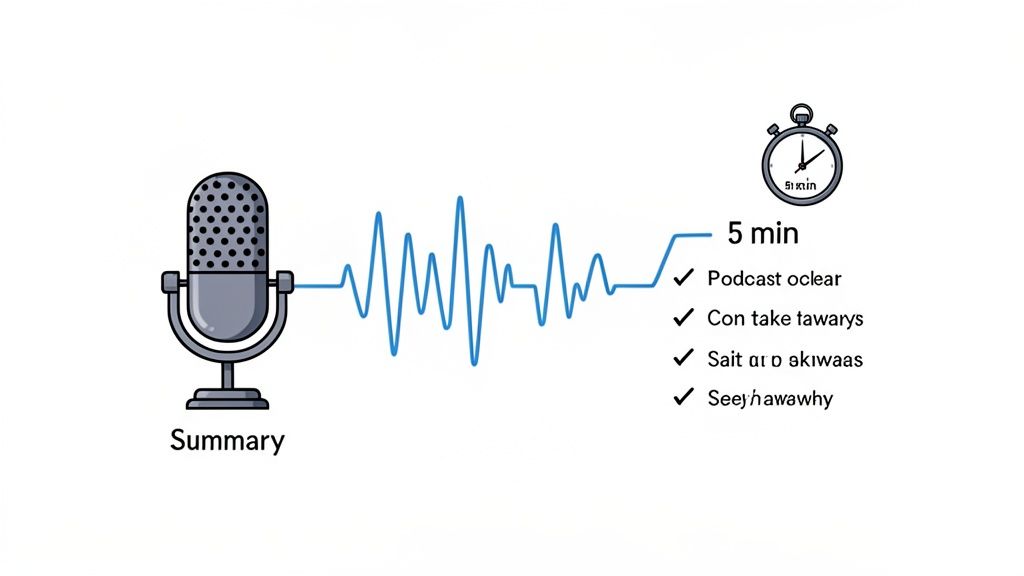
This technology isn't just a transcript; it's synthesis. PodBrief specializes in generating five-minute executive summaries from hour-long discussions. This approach allows you to quickly vet episodes. You only invest time in content relevant to your goals.
When to Use This Method
This is ideal for busy professionals who need to stay informed but lack the hours. It’s effective for screening new shows or catching up on a backlog. If a summary piques your interest, commit to the full episode with confidence.
Actionable Implementation Tips
Integrate AI summaries into your workflow:
- Screen Before Streaming: Use summaries as your first filter to decide if an episode aligns with your learning objectives.
- Identify Themes: Review summaries from multiple podcasts on one topic to quickly spot patterns and expert consensus.
- Combine for Decisions: For high-stakes topics, use the summary for main points, then jump to key timestamps in the original audio for context.
2. Personal Podcast Library with Tagging and Search
Stop treating episodes as disposable content. Start building a personal knowledge base. A centralized, searchable library stores episode summaries, transcripts, and your notes in one place. Organizing this repository with custom tags transforms passive listening into an active asset.
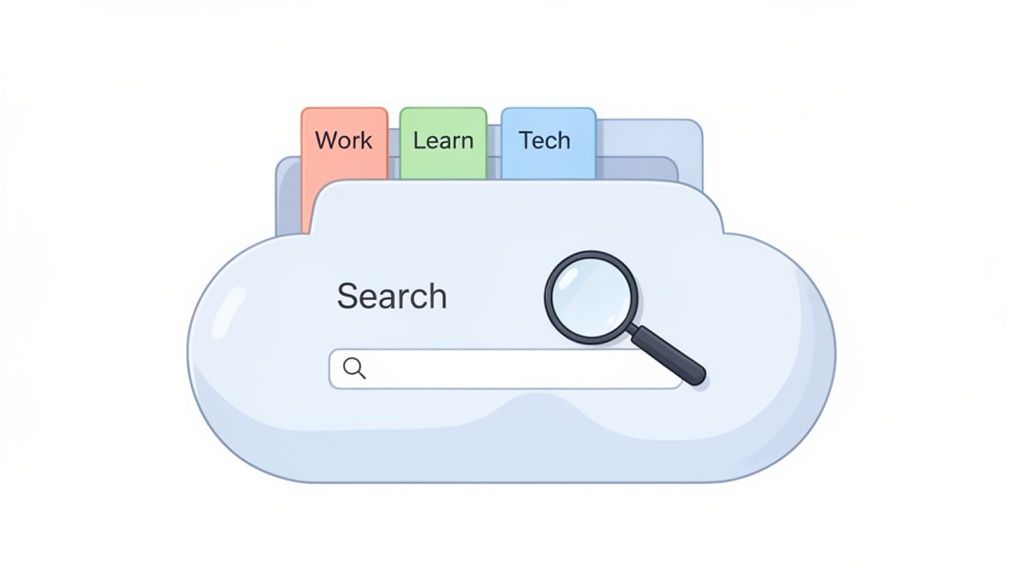
This is more than a "save for later" function. It's a system to instantly retrieve specific insights. For example, PodBrief includes a personal library feature to save and tag every brief. The goal is a custom database you can query to find key information without re-listening.
When to Use This Method
This is perfect for content creators, strategists, and learners who connect ideas across sources. It's valuable when you need to resurface specific data points or quotes for a project or presentation. If you think, "I heard a great point about that somewhere," a personal library is the answer.
Actionable Implementation Tips
Build an effective personal library with these steps:
- Establish a Tagging System: Create a consistent set of tags before you start saving (e.g., "Marketing Strategy," "Leadership," project codes).
- Link Insights to Goals: Connect saved summaries directly to your projects. Tag a summary with the name of the presentation you're building.
- Use Search for Rapid Prep: Before a meeting, search your library for keywords to quickly gather supporting points.
3. Curated Podcast Feeds and Topic-Based Playlists
Instead of manually sifting through shows, use pre-organized collections. Curated podcast feeds and topic-based playlists group episodes by a specific industry, skill, or theme. This outsources the discovery process to experts, ensuring the content is vetted for quality and relevance.
This method shifts you from a hunter to a subscriber of a high-signal stream. Platforms like Spotify and Apple Podcasts create editorial collections. Industry publications often recommend must-listen episodes for their audiences. This lets you follow a defined learning path aligned with professional goals.
When to Use This Method
This is perfect for professionals building expertise in a specific domain. It’s effective for onboarding into a new industry or creating a focused learning curriculum. If your goal is deep, structured knowledge, curated feeds provide a direct path.
Actionable Implementation Tips
Integrate this strategy with these approaches:
- Align Curation with Goals: Subscribe to curated lists that match your primary professional role and key areas of interest.
- Create Shared Learning Paths: Build and share topic-specific playlists with your team to align on key concepts.
- Audit Subscriptions: Periodically review your curated feeds. Unsubscribe from lists that no longer provide value to keep your queue focused.
4. Time-Blocking and Scheduled Listening Windows
Turn listening into an intentional, scheduled activity. Time-blocking involves dedicating specific windows in your calendar exclusively for podcast consumption. This proactive approach prevents your queue from becoming a distraction and turns it into a structured professional development tool.
This strategy shifts your mindset from "I'll listen when I have time" to "This is my designated time to learn." A sales professional might block 20 minutes during their commute to listen to an AI summary of a market trends podcast. This creates a focused learning habit that respects your schedule.
When to Use This Method
This is ideal for individuals who need structure. Use time-blocking to build a consistent learning habit, protect your focus, and consume high-value content during receptive moments, like a commute or pre-meeting brief.
Actionable Implementation Tips
Integrate time-blocking into your routine:
- Anchor to Habits: Schedule podcast blocks around established routines like your commute or workout.
- Pre-Select Content: Choose your episodes or summaries before the time block begins to eliminate indecision.
- Match Content to Time: Use a service like PodBrief for five-minute summaries that fit into short breaks.
- Treat It Like a Meeting: Add listening blocks to your calendar and protect that time as a scheduled professional development activity.
5. Transcription and Full-Text Search
Transform audio content into a fully searchable text database. Full-text transcription converts every spoken word into a written document. This allows you to use a search function to pinpoint specific quotes, data, or topics instantly, eliminating the need to scrub through audio.
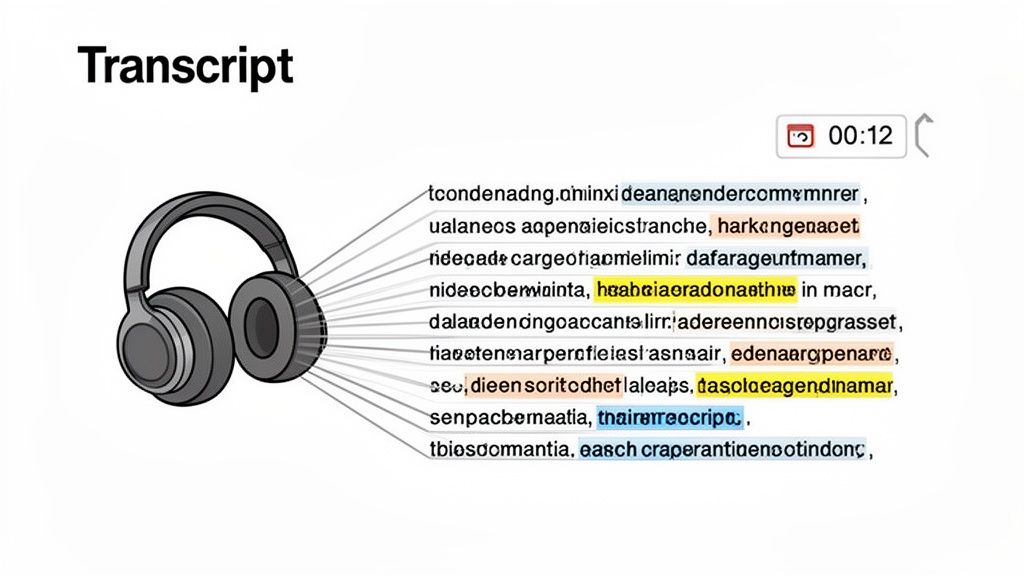
This turns passive listening into active research. You have a verbatim record you can search, copy, and integrate into notes or presentations. Every episode becomes a citable resource.
When to Use This Method
This is invaluable for researchers, journalists, and anyone needing to reference specific podcast moments with precision. It is perfect for fact-checking claims or pulling direct quotes for a report. Searchable transcripts are a non-negotiable tool for building a knowledge base.
Actionable Implementation Tips
Leverage transcription with these strategies:
- Verify Before Citing: Use transcripts to pull exact quotes and verify statistics, ensuring accuracy in your work.
- Keyword-Scan for Relevance: Before committing to an episode, search the transcript for keywords to confirm the content is a good fit.
- Create a Centralized Knowledge Base: Export transcripts into note-taking apps like Notion to build a personal, searchable library.
- Combine with Summaries: Use an AI summary to grasp main ideas, then use the transcript to dive into specific segments that matter most.
6. Metadata-Driven Organization and Filtering
Organize your content with structured metadata. This systematic approach involves tagging episodes with specific data points like guest names, duration, and topic keywords. Instead of just subscribing to a show, you build a personal library you can filter with precision.
This method transforms your podcast app into an intelligent database. For instance, PodBrief automatically enriches its summaries with structured data, making episodes instantly searchable. This turns a chaotic queue into a well-organized knowledge repository.
When to Use This Method
This is perfect for researchers and analysts building a long-term knowledge base. It's powerful for connecting disparate ideas across different shows. If your goal is to retrieve and synthesize information over time, a metadata-driven system is essential.
Actionable Implementation Tips
Implement metadata with a systematic approach:
- Define Your Standards: Decide on a consistent set of tags relevant to your work before you start.
- Tag for Expertise Level: Include metadata like "beginner" or "expert" to filter episodes based on the depth you need.
- Identify Knowledge Gaps: Sort your tagged library to see which topics you’ve covered and where you need more content.
7. Smart Scheduling Algorithms and Recommendation Engines
Let intelligent algorithms do the curating. Modern recommendation engines, like those from Spotify, analyze your listening history to suggest relevant episodes. These systems create a personalized content pipeline that maximizes relevance and minimizes search time.
These AI-driven platforms act as your personal content strategist. They learn your unique profile and automatically surface hidden gems and timely discussions. This transforms discovery from a manual chore into an automated, high-signal process.
When to Use This Method
This is perfect for listeners who want to break out of their content bubble without sacrificing relevance. It is also effective for professionals exploring adjacent fields. If you repeatedly listen to the same few shows, a recommendation engine can inject fresh perspectives.
Actionable Implementation Tips
Provide algorithms with the right signals:
- Actively Rate and Review: Provide explicit feedback by rating episodes or summaries to teach the algorithm what you value.
- Use as a Discovery Tool: Treat recommendations as a starting point. Explore other content from that same creator or guest.
- Cross-Reference: Combine algorithm-driven suggestions with expert-curated lists to get a balanced mix of automated and trusted recommendations.
8. Executive Summary Formats and Visual Note-Taking
Retaining information is what truly matters. Structured summary formats and visual note-taking are powerful solutions. This method distills complex discussions into scannable, visually organized content for rapid absorption.
Formats like mind maps, infographics, or concise executive briefs transform audio into actionable intelligence. A mind map can visually connect a core argument to its supporting points. An infographic can summarize statistical takeaways. This approach converts passive listening into an active learning experience.
When to Use This Method
This is perfect for visual learners and team leaders who need to communicate podcast insights. It is highly effective for synthesizing complex topics. Use it to prepare for a meeting, create a presentation, or build a quick-reference knowledge base.
Actionable Implementation Tips
Integrate diverse summary formats into your workflow:
- Match Format to Goal: Use a bullet-point brief for meeting prep. Create a mind map to understand relationships between concepts. Use an infographic to share key statistics.
- Create Team Templates: Establish a consistent summary template in a tool like Notion to ensure information is digested quickly.
- Leverage Visuals: Embed mind maps or infographics into presentations to convey takeaways with greater impact.
9. Multilingual Summaries and Cross-Cultural Content Access
For global professionals, the language barrier is a significant hurdle. AI-powered translation and localization offer a powerful solution. These tools not only summarize long episodes but also translate them into multiple languages, making cross-cultural knowledge sharing seamless.
This technology breaks down geographic and linguistic silos. You can now access core ideas from leading podcasts around the world. Platforms like PodBrief offer multilingual summary capabilities, democratizing access to information.
When to Use This Method
This is essential for multinational corporations, distributed teams, and researchers focused on global trends. It's also invaluable for non-native English speakers who want to tap into the vast library of English-language podcasts without the cognitive load.
Actionable Implementation Tips
Broaden your informational reach with these tactics:
- Reduce Cognitive Load: Request summaries in your native language to absorb information faster.
- Facilitate Team Collaboration: Share translated summaries with colleagues to ensure everyone is aligned with industry insights.
- Access Global Expertise: Follow thought leaders and industry news from different regions to gain a comprehensive, culturally nuanced perspective.
9-Point Podcast Overload Solutions Comparison
| Solution | 🔄 Implementation complexity | ⚡ Resource requirements | ⭐ Expected outcomes | 💡 Ideal use cases | 📊 Key advantages |
|---|---|---|---|---|---|
| AI-Powered Episode Summarization | High — ML models, training, real-time pipelines | High — compute, labeled audio data, engineering | ⭐⭐⭐⭐ — Consistent, concise summaries; large-scale time savings | Rapid screening, executive briefs, multilingual needs | Scales across episodes; real-time outputs; multilingual support |
| Personal Podcast Library with Tagging and Search | Medium — indexing, taxonomy, UI/UX | Medium — storage, sync, user curation time | ⭐⭐⭐ — Fast retrieval; builds personal knowledge base | Research, long-term reference, pattern discovery | Full-text search, customizable tags, synced collections |
| Curated Podcast Feeds and Topic-Based Playlists | Low — editorial curation and playlist management | Low–Medium — curator time, editorial tools | ⭐⭐⭐ — Structured learning paths; less discovery friction | Onboarding, skill tracks, focused professional learning | Reduces decision fatigue; provides topic progression |
| Time-Blocking and Scheduled Listening Windows | Low — behavioral change + calendar integration | Low — user time discipline, minimal tooling | ⭐⭐ — More intentional consumption; improved ROI on time | Busy professionals, commute study, meeting prep | Creates protected learning time; pairs well with summaries |
| Transcription and Full-Text Search | Medium — ASR, speaker separation, indexing | Medium–High — processing time, storage, cleanup | ⭐⭐⭐⭐ — Precise quote retrieval; accessibility; citation support | Research, fact-checking, accessibility compliance | Exact searchability, timestamps, supports quoting/citation |
| Metadata-Driven Organization and Filtering | High — metadata standards, extraction pipelines | Medium–High — annotation, tooling, governance | ⭐⭐⭐⭐ — Granular discovery and complex queries | Enterprise libraries, role-based sharing, analytics | Precise filters, analytics, advanced recommendation support |
| Smart Scheduling Algorithms & Recommendation Engines | High — personalization ML, feedback loops | High — user data, compute, ongoing model maintenance | ⭐⭐⭐ — Personalized, time-optimized recommendations | Personal discovery, adaptive learning, time-constrained users | Learns user preferences, reduces selection paralysis |
| Executive Summary Formats & Visual Note-Taking | Medium — template design, format generation | Medium — design tools, formatting effort | ⭐⭐⭐ — Scannable, shareable briefs; supports diverse learners | Meeting prep, executive updates, team knowledge sharing | Multi-format outputs, visually scannable, easy to share |
| Multilingual Summaries & Cross-Cultural Access | Medium–High — translation + localization workflows | Medium–High — MT systems, human review for accuracy | ⭐⭐⭐ — Broader access; improved global alignment | Global teams, non-English speakers, cross-cultural research | Breaks language barrier; bilingual outputs; localized nuance |
From Overload to Advantage: Take Control of Your Podcast Queue
The endless stream of podcasts no longer needs to be a source of stress. The common thread in these solutions is a shift from passive consumption to active, intentional knowledge acquisition. This proactive approach is your defense against digital noise.
Mastering these concepts is about maximizing the return on your cognitive investment. It ensures every minute spent on a podcast delivers a measurable insight. You are now equipped to curate your own intellectual diet.
Key Takeaways: Your Action Plan
Transform theory into practice with this framework:
- Embrace Automation and AI: Leverage technology. AI-powered summaries and transcription are essential for processing high volumes of audio content. This is the most effective way to vet, consume, and recall information.
- Systematize Your Curation: A disorganized queue is the primary symptom of overload. Implement a personal library with robust tagging and filtering. This turns a chaotic backlog into a structured, searchable knowledge base.
- Implement Disciplined Habits: Pair powerful tools with deliberate habits. Time-blocking and structured note-taking create the foundation for consistent, focused learning.
Conquering podcast information overload is about reclaiming control. By being selective, strategic, and system-driven, you transform your podcast feed into a source of competitive intelligence. You filter the noise to amplify the signal. This mastery is a definitive professional advantage.
Ready to stop managing your podcast queue and start leveraging it? Many of the strategies discussed, from AI-briefings to searchable libraries, are built into PodBrief. Experience the ultimate solution to podcast information overload by trying it for free. Visit PodBrief to turn your listening backlog into a strategic advantage today.


