The 12 Best Free Podcasting Software Options for 2024
Launching a professional podcast no longer requires a large budget. A robust ecosystem of high-quality, free podcasting software now exists. These tools cover every stage of production, from recording and editing to hosting and distribution. The primary challenge is not cost, but choice.
This guide solves that problem. We provide a direct, executive overview of the best no-cost tools on the market. Forget sifting through marketing copy. Here, you'll find a curated roundup focused on practical application and real-world limitations. We analyze each software and detail its ideal use case.
1. Audacity
Audacity is a cornerstone of the podcasting world. It is a powerful, full-featured, and completely free audio editor. As an open-source project, it is one of the most reliable pieces of free podcasting software available. It is the go-to for podcasters who need a no-cost tool that handles everything from recording to final edits.
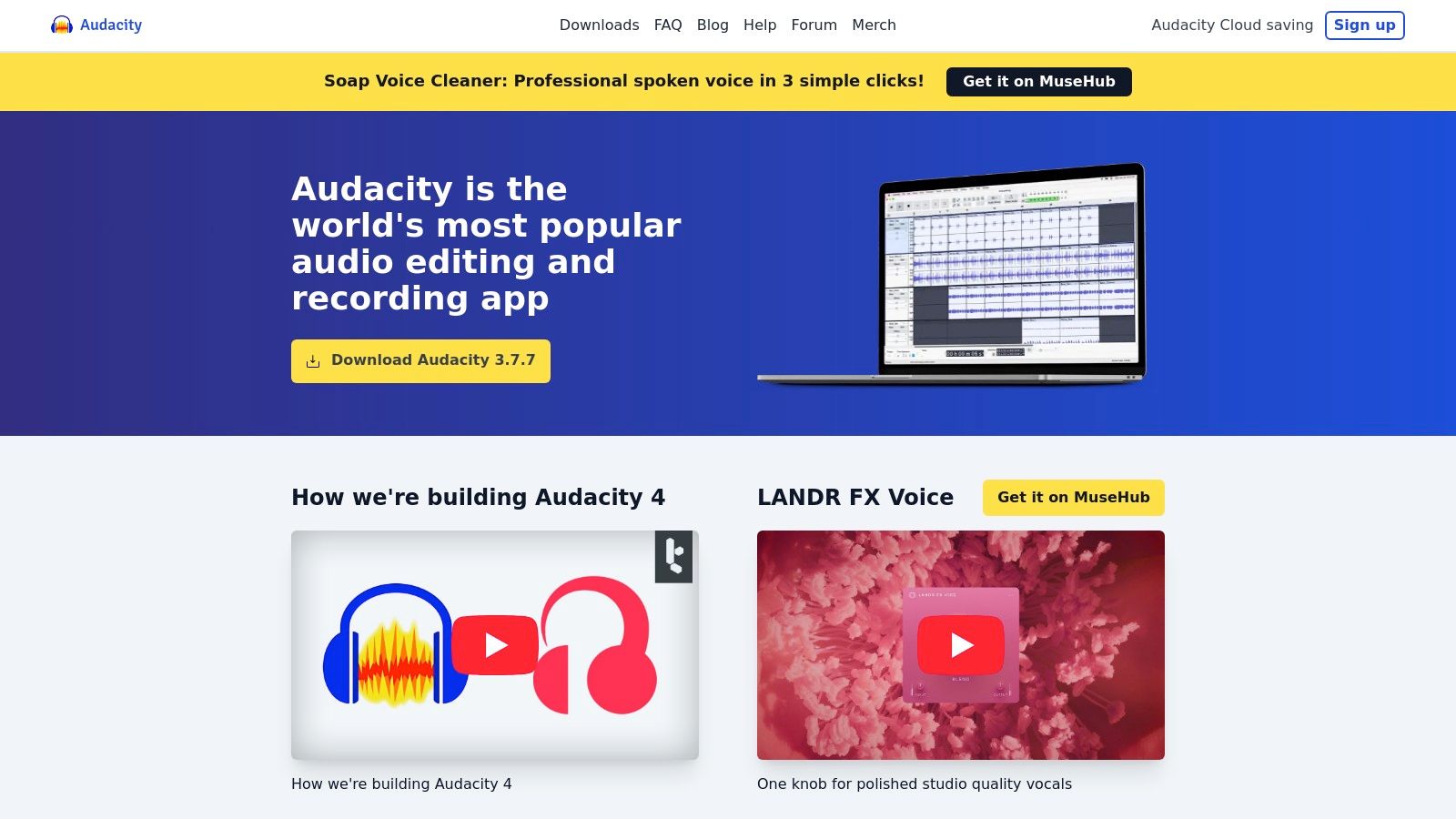
Its strength lies in its robust functionality. Audacity provides comprehensive multitrack editing to layer intros, music, and multiple vocal tracks. Its built-in effects like noise reduction and equalization are essential for achieving a professional sound. While its interface can feel dated, its performance makes it an indispensable tool for beginners.
Core Features & Limitations
- Best For: Solo podcasters and beginners who need a powerful, all-in-one recording and editing solution without any cost.
- Platform: Windows, macOS, Linux.
- Key Features: Destructive and non-destructive editing, extensive plugin support (VST3, LADSPA), spectrogram analysis, and broad audio format compatibility.
- Limitations: The user interface isn't as intuitive as newer software. It lacks modern AI-driven features. Be mindful during the Windows installation to deselect any bundled offers if you only want Audacity.
Website: https://www.audacityteam.org/
2. Apple GarageBand
For creators in the Apple ecosystem, GarageBand is the most intuitive entry point into podcast production. Pre-installed on every Mac, it transforms your computer into a capable recording studio. It is an effective piece of free podcasting software with a polished, user-friendly interface.
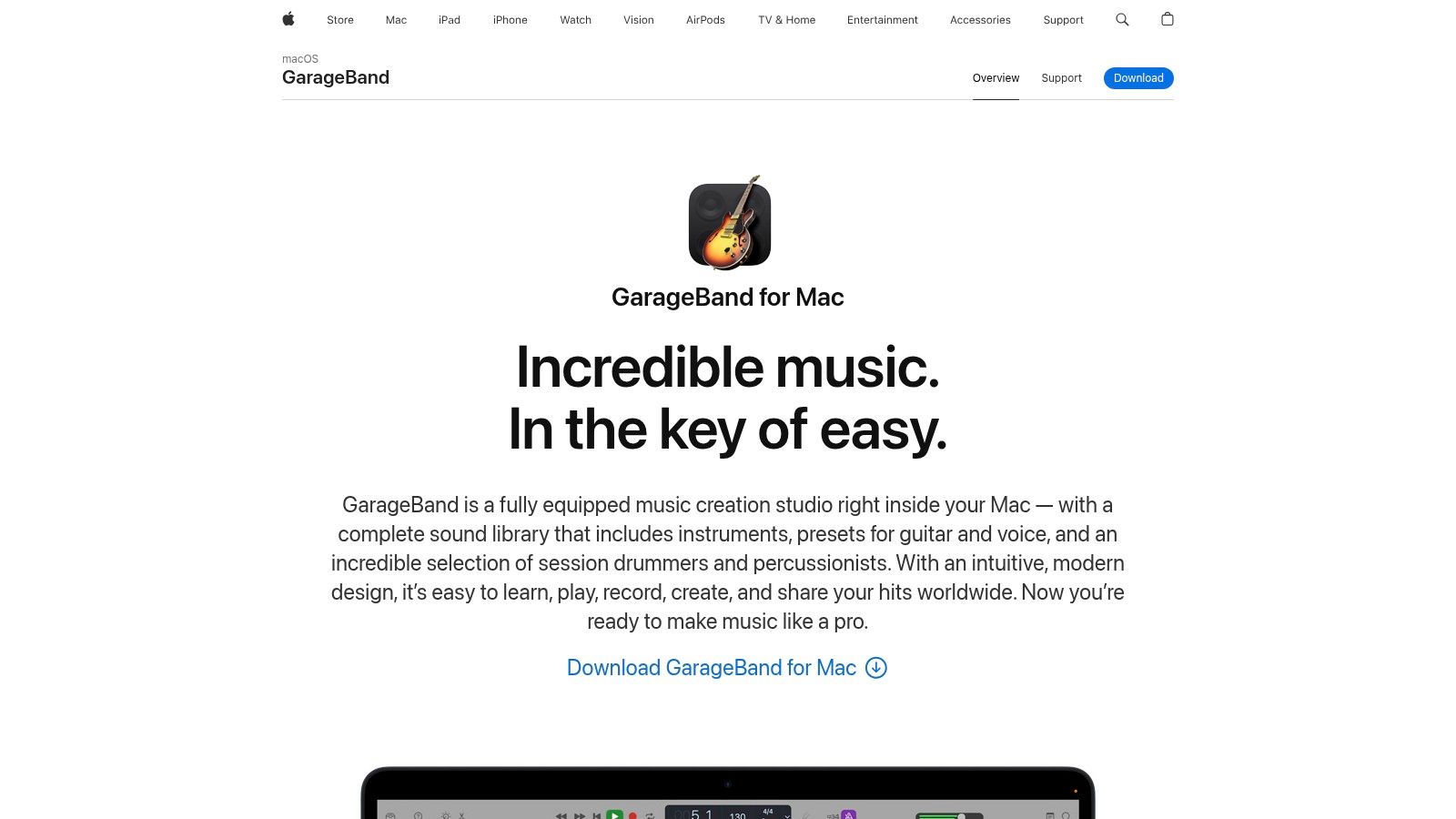
GarageBand’s strength is its simplicity. It provides multitrack recording with dedicated vocal presets, one-click compression, and EQ. The extensive library of royalty-free music is perfect for creating professional intros and transitions. The ability to sync projects across devices via iCloud adds flexibility for creators on the move.
Core Features & Limitations
- Best For: Solo podcasters and beginners already using Apple devices who want a free, polished, and easy-to-learn tool.
- Platform: macOS, iOS.
- Key Features: Intuitive multitrack recording, large library of royalty-free loops, vocal presets with EQ and compression, and iCloud syncing.
- Limitations: Exclusively available on Apple hardware. It lacks podcast-specific export settings for loudness and advanced audio repair tools found in editors like Audacity.
Website: https://www.apple.com/mac/garageband/
3. Descript
Descript revolutionizes podcast editing by transforming audio into a text document. This platform lets you edit your recording by editing the auto-generated transcript. This process is as intuitive as editing a Word file. Its AI features dramatically speed up the post-production workflow.
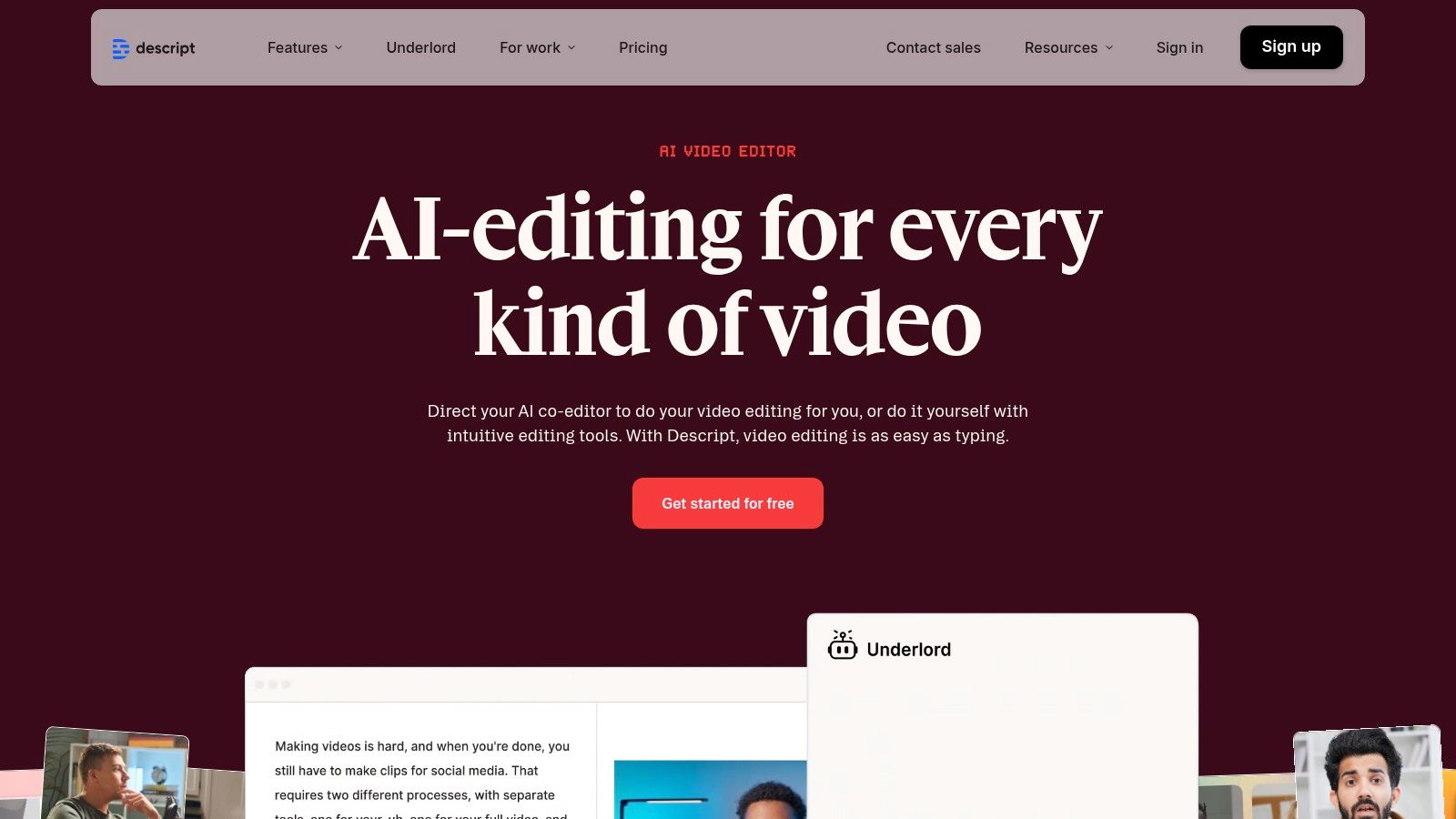
The platform shines for interview-based shows. Instead of hunting for audio waves, you find and delete a word in the text. Descript automatically cuts the corresponding audio. Built-in AI tools like Studio Sound for noise removal and automatic filler-word detection further streamline the process.
Core Features & Limitations
- Best For: Podcasters focused on interviews who want the fastest way to edit dialogue and clean up audio with AI.
- Platform: Windows, macOS, Web.
- Key Features: Text-based audio/video editing, AI-powered filler word removal, Studio Sound for noise reduction, screen recording, and automated transcription.
- Limitations: The free plan is limited to one hour of transcription per month and one watermark-free video export. Advanced features like Overdub (AI voice cloning) are behind paid tiers.
Website: https://www.descript.com/
4. Auphonic
Auphonic is not a traditional editor. It is an intelligent, cloud-based service that automates the mastering process. It analyzes your audio, balances levels, normalizes loudness to broadcast standards (LUFS), and reduces background noise. It delivers a professional, consistent sound with minimal effort.
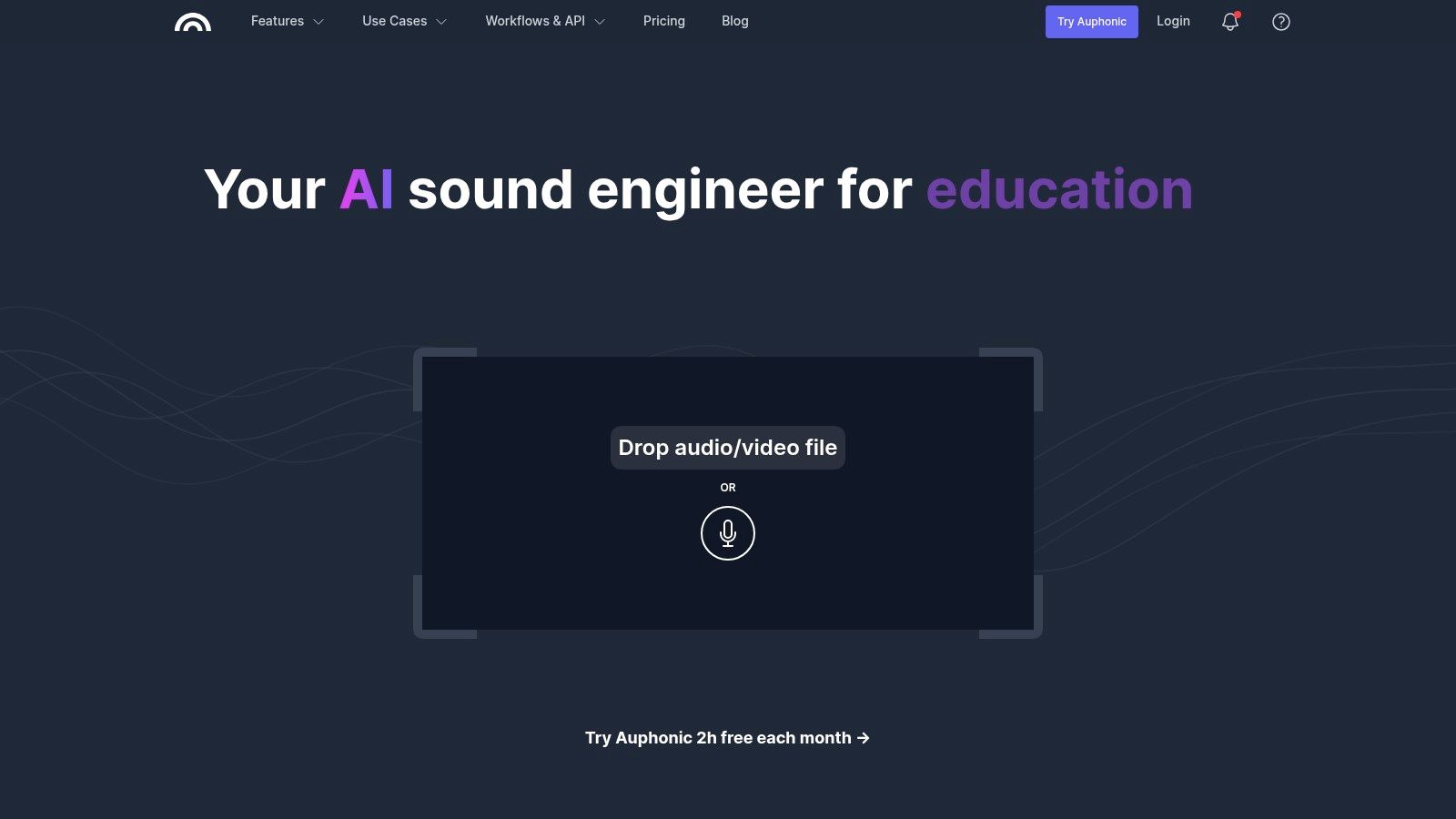
Its core value is saving time on technical audio engineering. Instead of manually adjusting EQs and compressors, you upload your finished track. Auphonic's algorithms handle the rest. This makes it an invaluable piece of free podcasting software for creators who want broadcast-quality results without deep technical knowledge.
Core Features & Limitations
- Best For: Podcasters who have already edited their content and need a simple, automated tool for final mastering.
- Platform: Web-based, with desktop apps.
- Key Features: Adaptive leveler and loudness normalization (LUFS), intelligent noise reduction, automatic ducking, and metadata support.
- Limitations: The free plan is limited to two hours of processed audio per month. It is not a full-fledged editor; you cannot use it for cutting or multitrack arrangement.
Website: https://auphonic.com/
5. Spotify for Creators (formerly Anchor)
Spotify for Creators is an all-in-one platform that made podcast publishing completely free. It is a launchpad designed to take a finished audio file and distribute it globally. This makes it essential free podcasting software for anyone focused on getting their show live without worrying about hosting costs.
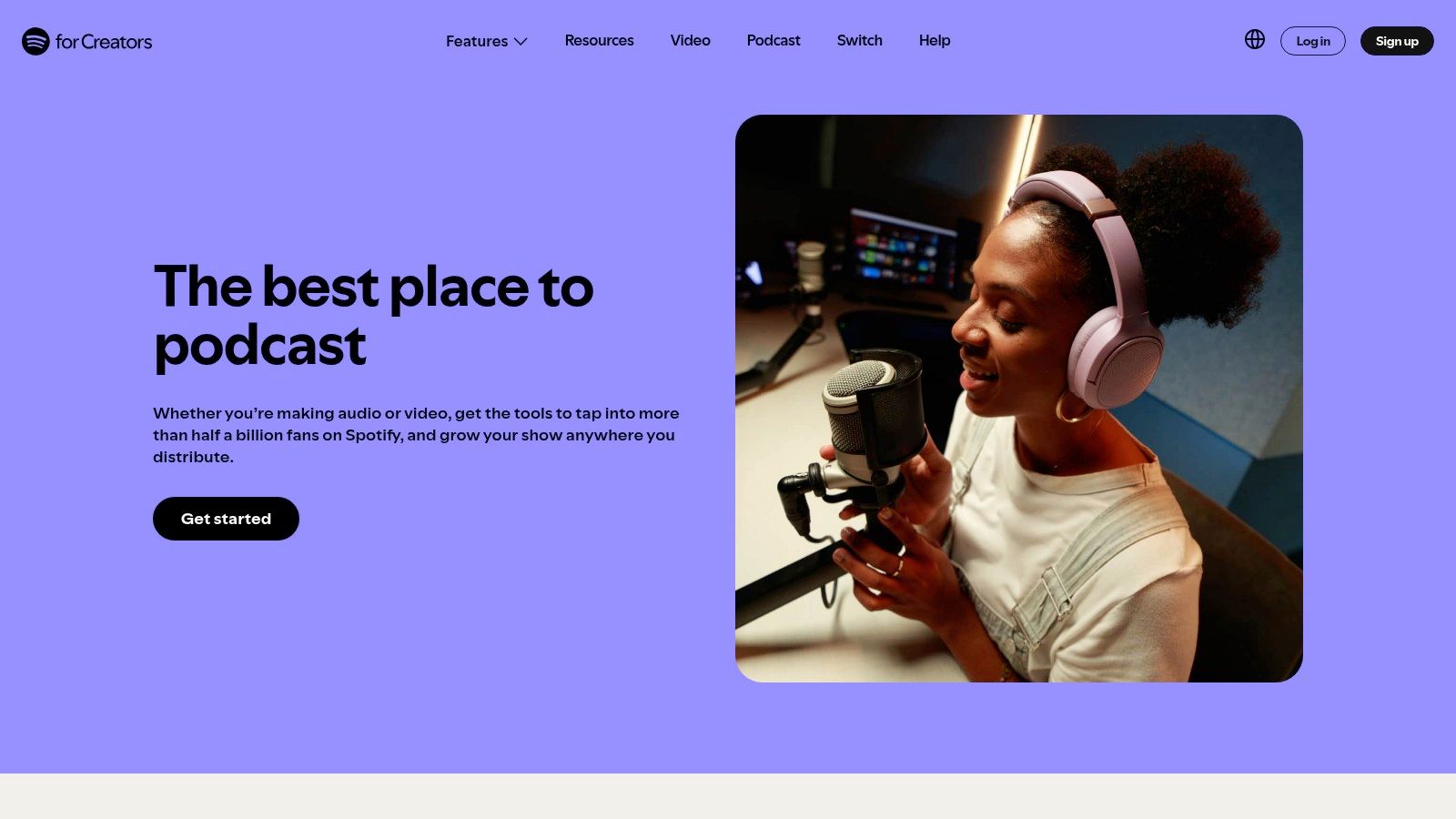
The platform’s greatest strength is its simplicity and direct Spotify integration. It handles the entire backend process of hosting and distribution to directories like Apple Podcasts. For creators, this removes a significant technical and financial barrier. The platform also includes basic analytics and monetization options.
Core Features & Limitations
- Best For: Beginners who want a free, one-stop solution for podcast hosting, distribution, and monetization.
- Platform: Web, iOS, Android.
- Key Features: Unlimited free hosting and storage, automatic distribution to major podcast platforms, IAB-certified analytics, and monetization tools.
- Limitations: The built-in recording and editing tools are very basic and not suitable for professional production. Its primary focus is on hosting, not content creation.
Website: https://creators.spotify.com/features/podcast
6. Riverside
Riverside is the gold standard for recording remote interviews. It is a browser-based studio that records each participant's audio and video locally. This method ensures that even with a spotty connection, the final recording is clean and uncompressed. This makes it a standout free podcasting software for interview-based shows.
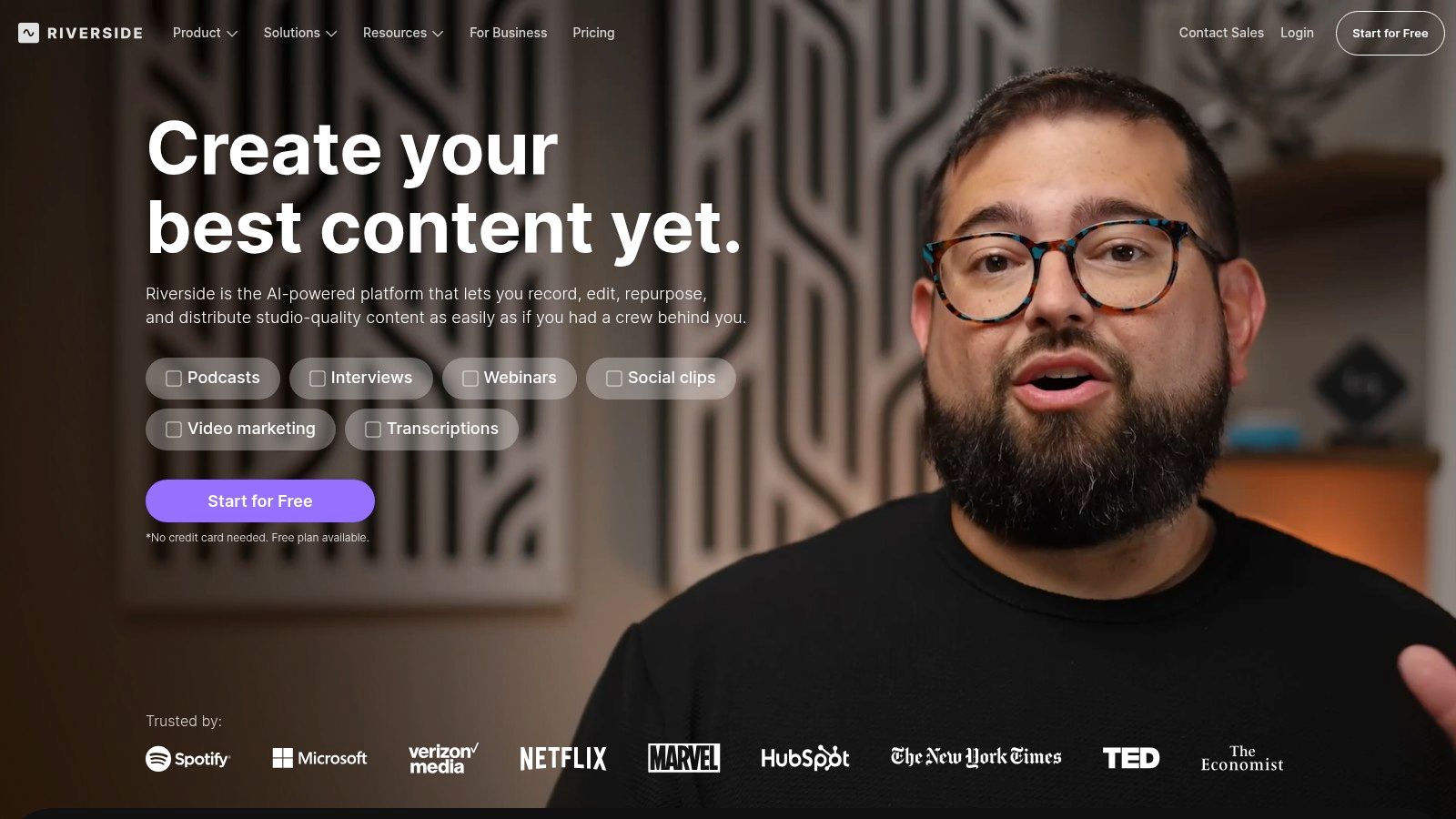
The platform's free plan offers separate track recording for audio and video. Guests join with a single click, removing technical barriers. It also provides automatic transcription, which is invaluable if you need to translate audio to text for show notes.
Core Features & Limitations
- Best For: Podcasters who frequently conduct remote interviews and need the highest possible audio and video quality.
- Platform: Web-based (Chrome recommended), with mobile apps.
- Key Features: Local recording of separate audio/video tracks, up to 720p video, automatic transcription, and a one-click guest experience.
- Limitations: The free plan imposes a watermark on all exported video files. It also limits you to two hours of total recording time (one-time, not recurring).
Website: https://riverside.fm/
7. Cleanfeed
Cleanfeed excels at one purpose: capturing studio-quality, low-latency audio from remote guests in a browser. It is a top-tier free podcasting software that eliminates technical hurdles. Guests simply click a link to connect, delivering reliable, high-fidelity audio. No downloads are required.
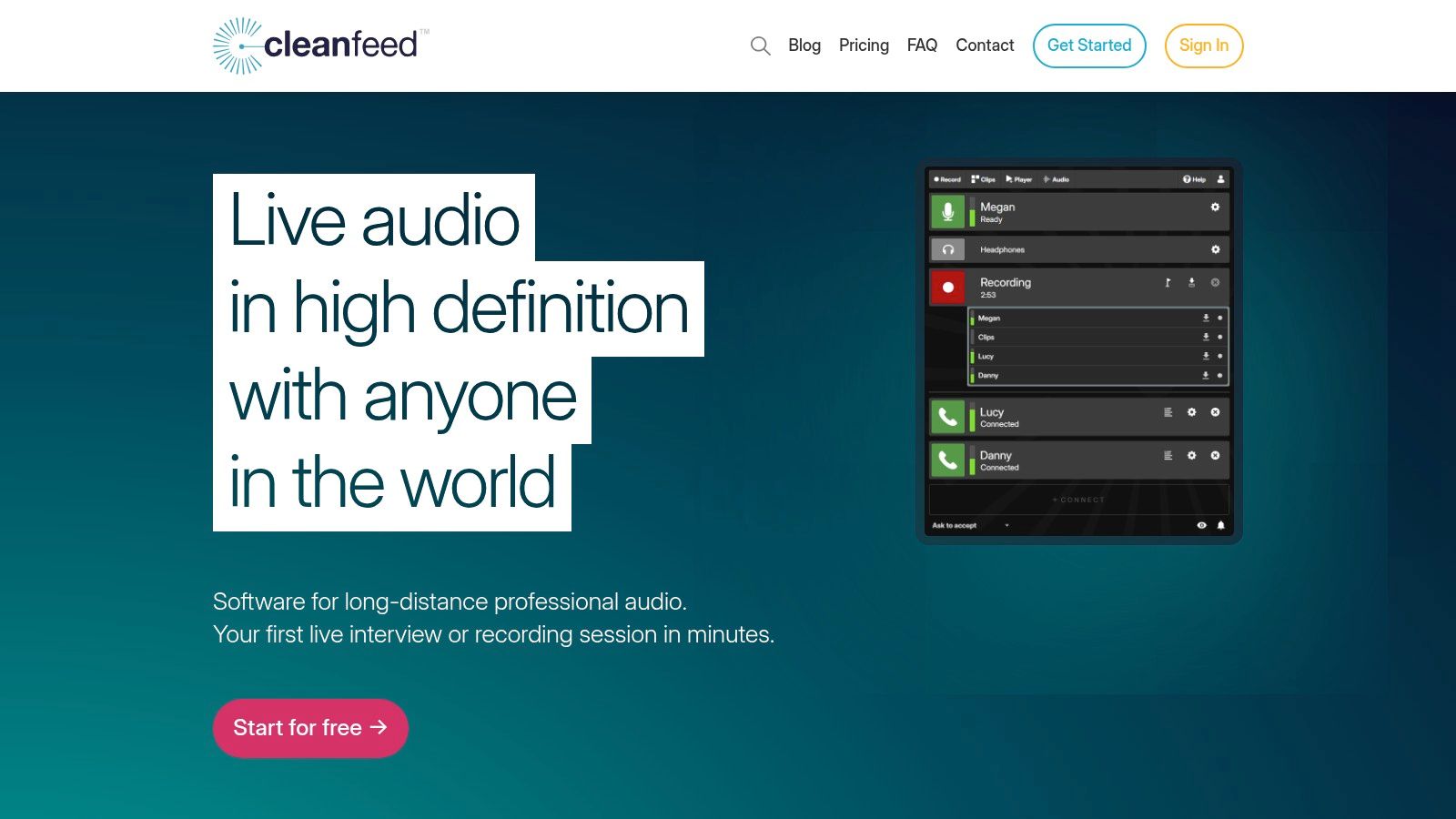
Its core strength is simplicity and stability. The free tier provides everything needed for a high-quality two-way conversation. While it doesn't offer video, it focuses purely on delivering the best possible remote audio with minimal friction. This makes it an indispensable tool for interview-based shows.
Core Features & Limitations
- Best For: Podcasters conducting remote interviews who prioritize audio quality and ease of use for their guests.
- Platform: Web-based (works in Chrome).
- Key Features: High-quality, low-latency audio, no software installs for guests, stereo audio support, and simple recording workflow.
- Limitations: The free version merges all audio into a single track. Multitrack recording is locked behind the paid "Pro" plan. It is strictly an audio-only solution.
Website: https://cleanfeed.net/
8. OBS Studio
OBS Studio is an indispensable tool in the free podcasting software ecosystem, especially for video podcasters. It is a powerful, open-source application for real-time video and audio capturing and mixing. Podcasters use it to record complex setups involving multiple microphones, cameras, and system audio.
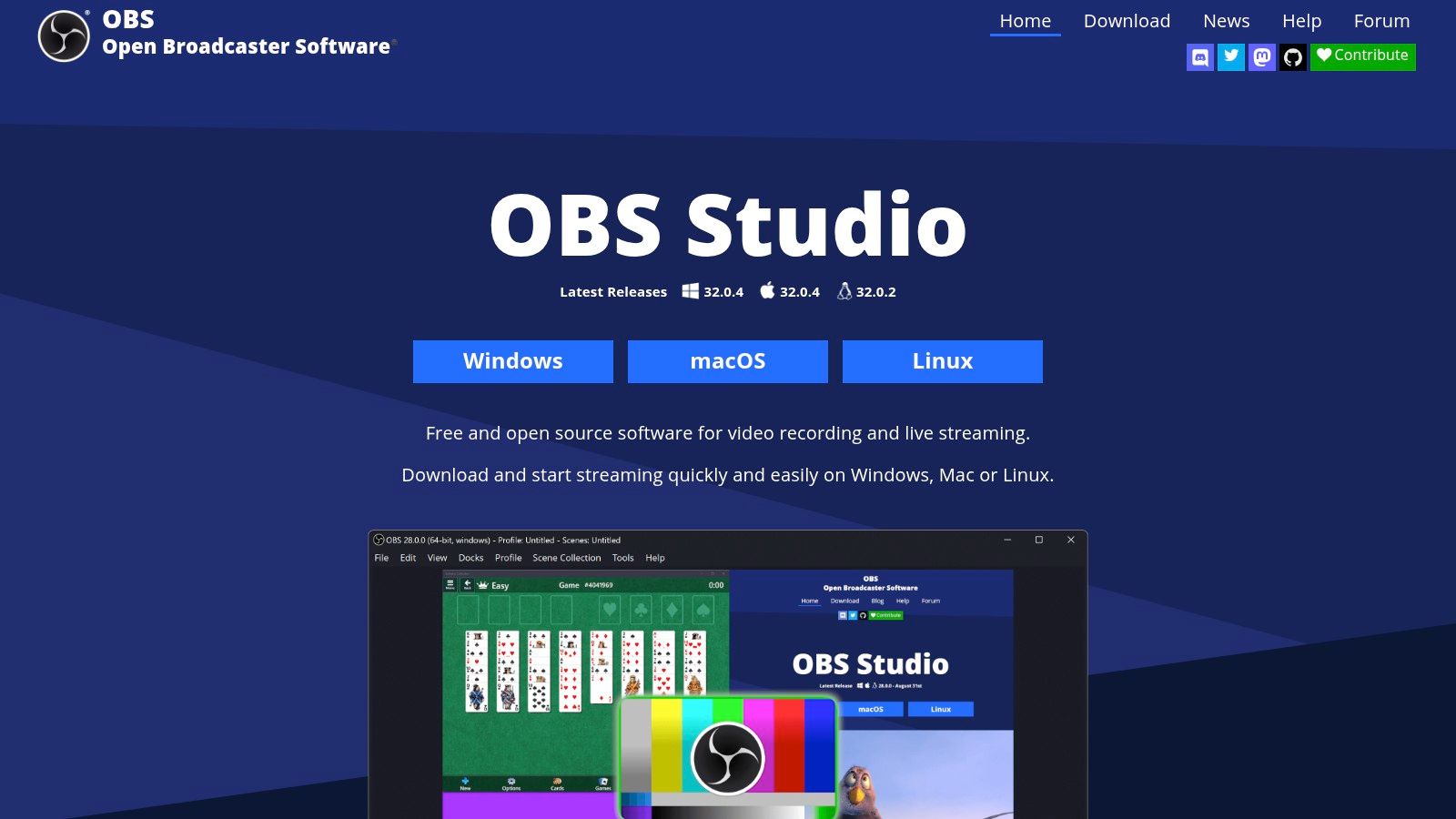
Its strength lies in its "scenes" and "sources" architecture. This allows you to pre-configure different layouts and switch between them during a recording. For podcasters, this means easily managing guest cameras, screen shares, and branding. Its recording capabilities are second to none in the free software space.
Core Features & Limitations
- Best For: Video podcasters and streamers who need to record multiple audio and video sources simultaneously.
- Platform: Windows, macOS, Linux.
- Key Features: Scene and source-based composition, per-source audio filters (noise gates, compression), VST plugin support, and Studio Mode.
- Limitations: It has a steeper learning curve. OBS is purely a capture tool; it has no post-production editing capabilities, requiring a separate editor.
Website: https://obsproject.com/
9. Ocenaudio
Ocenaudio is a lightweight yet capable cross-platform audio editor. It is designed for speed and ease of use. It's an excellent utility for quick, precise edits without launching a full digital audio workstation. It excels at trimming recordings, applying effects, and analyzing audio files.
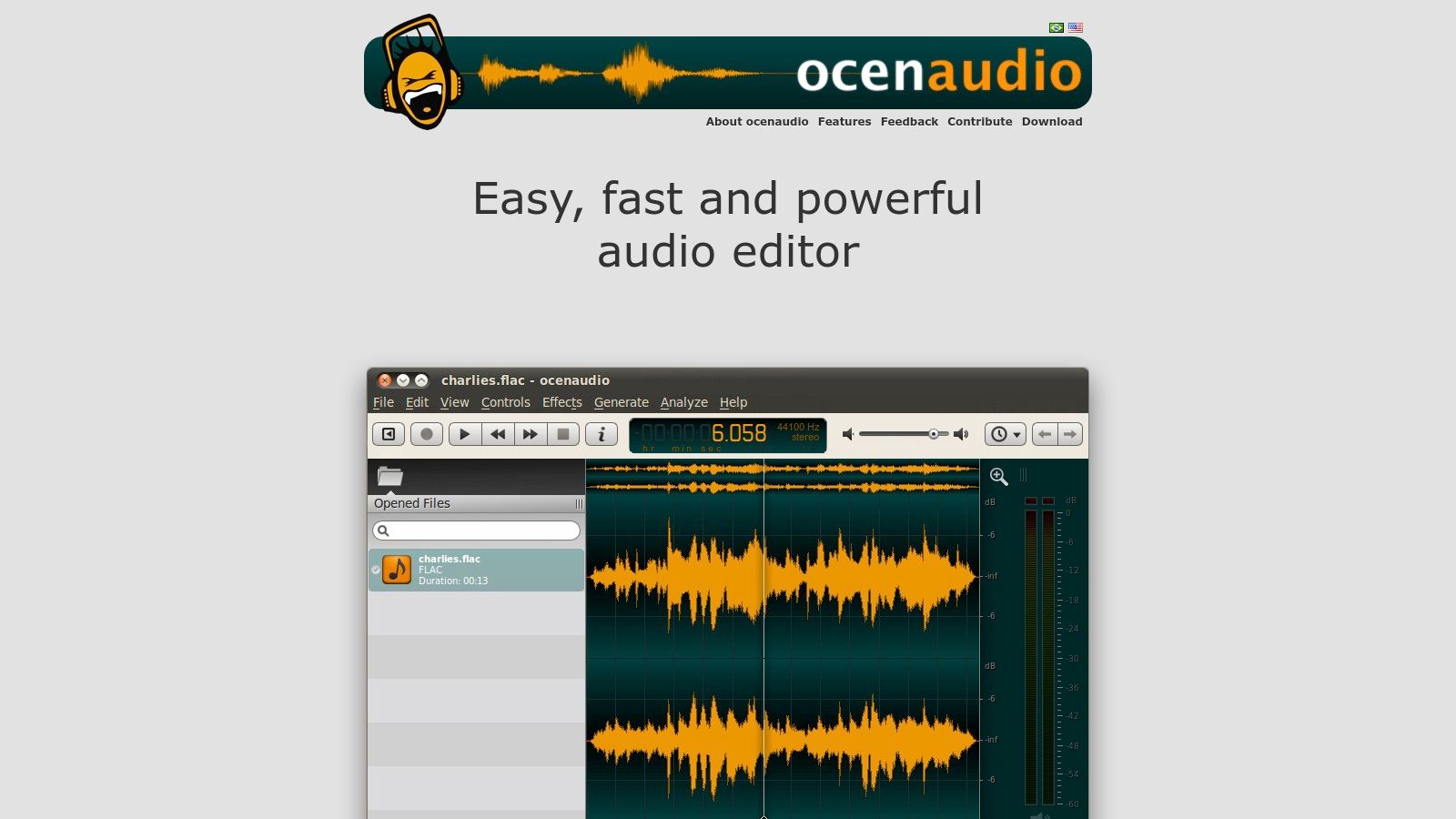
Its standout feature is the real-time effects preview. When you adjust parameters like EQ, you hear the changes instantly. This dramatically speeds up the editing workflow. While it lacks Audacity's multitrack capabilities, its performance and intuitive interface make it a fantastic free podcasting software for quick cleanup.
Core Features & Limitations
- Best For: Podcasters needing a fast, simple editor for quick trims, single-track cleanup, and applying effects with a real-time preview.
- Platform: Windows, macOS, Linux.
- Key Features: Real-time effects preview, VST plugin support, spectrogram view for audio analysis, and optimized performance for large files.
- Limitations: It is not a multitrack editor. It cannot be used for complex productions involving multiple layers of audio. Its feature set is focused on editing a single audio file at a time.
Website: https://www.ocenaudio.com/en
10. Podbean
Podbean is a podcast hosting provider with a genuinely free plan. This makes it an excellent entry point for new creators. Podbean’s Basic plan provides a permanent, no-cost solution to get your podcast published and distributed to major directories. It's an all-in-one platform for hosting, RSS feed generation, and analytics.
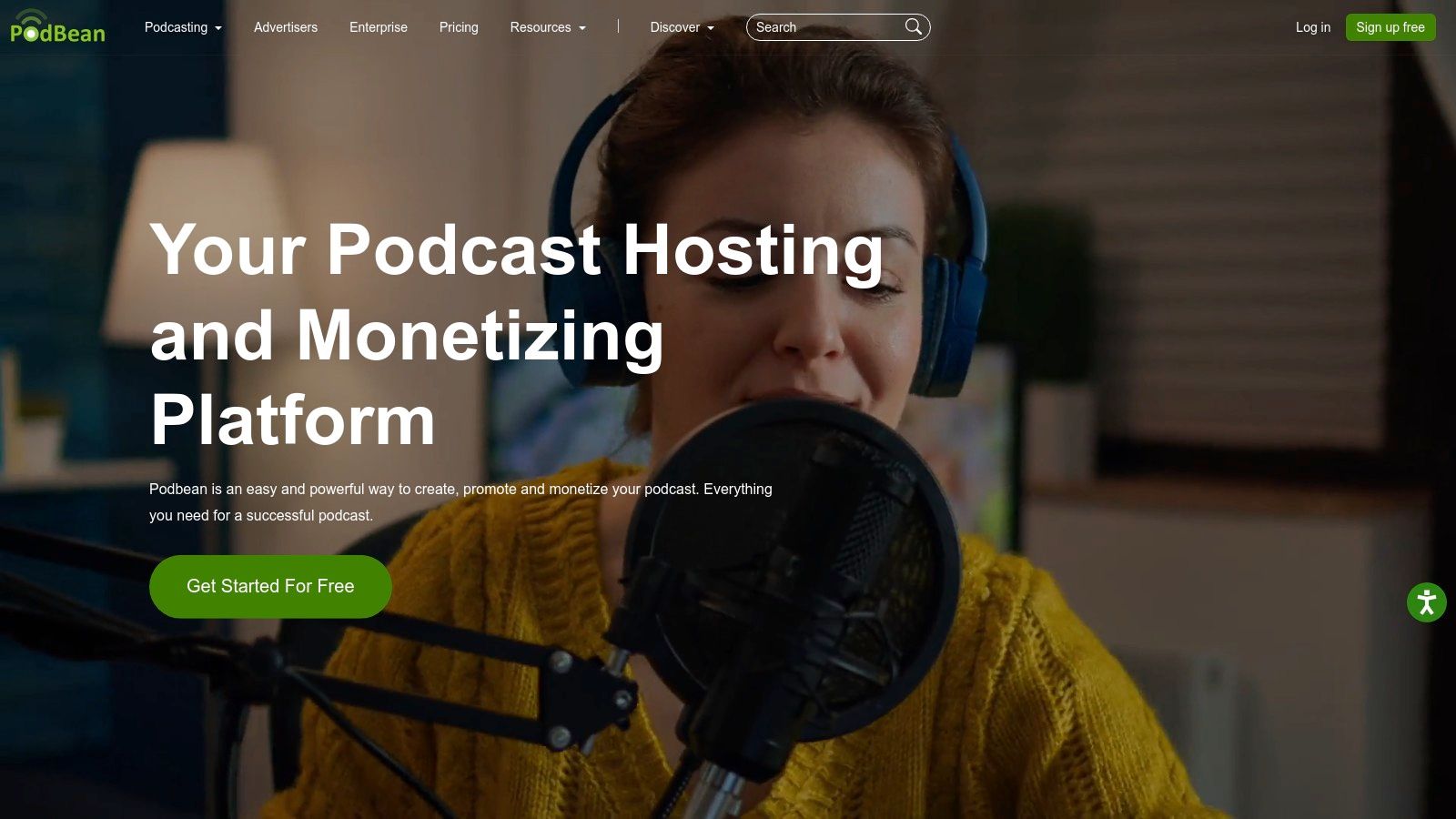
The platform simplifies the entire publishing workflow. You upload your finished audio, add a title and description, and publish. Podbean then handles the technical backend. This process makes it one of the best pieces of free podcasting software for those who want to focus on content, not technical configurations.
Core Features & Limitations
- Best For: Beginners looking for a reliable, no-cost hosting solution to launch their first podcast.
- Platform: Web-based.
- Key Features: Free hosting with 5 hours of total storage, 100GB monthly bandwidth, basic podcast stats, and a customizable podcast website.
- Limitations: The free plan has a strict 5-hour total storage limit. It lacks advanced analytics and monetization features. You will likely need to upgrade as your episode library grows.
Website: https://www.podbean.com/
11. Buzzsprout
Buzzsprout is a popular podcast hosting platform with a free plan that serves as an excellent entry point. Its streamlined workflow for uploading and distributing your show makes it a critical piece of free podcasting software. It is designed to get your podcast listed on all major directories with minimal friction.
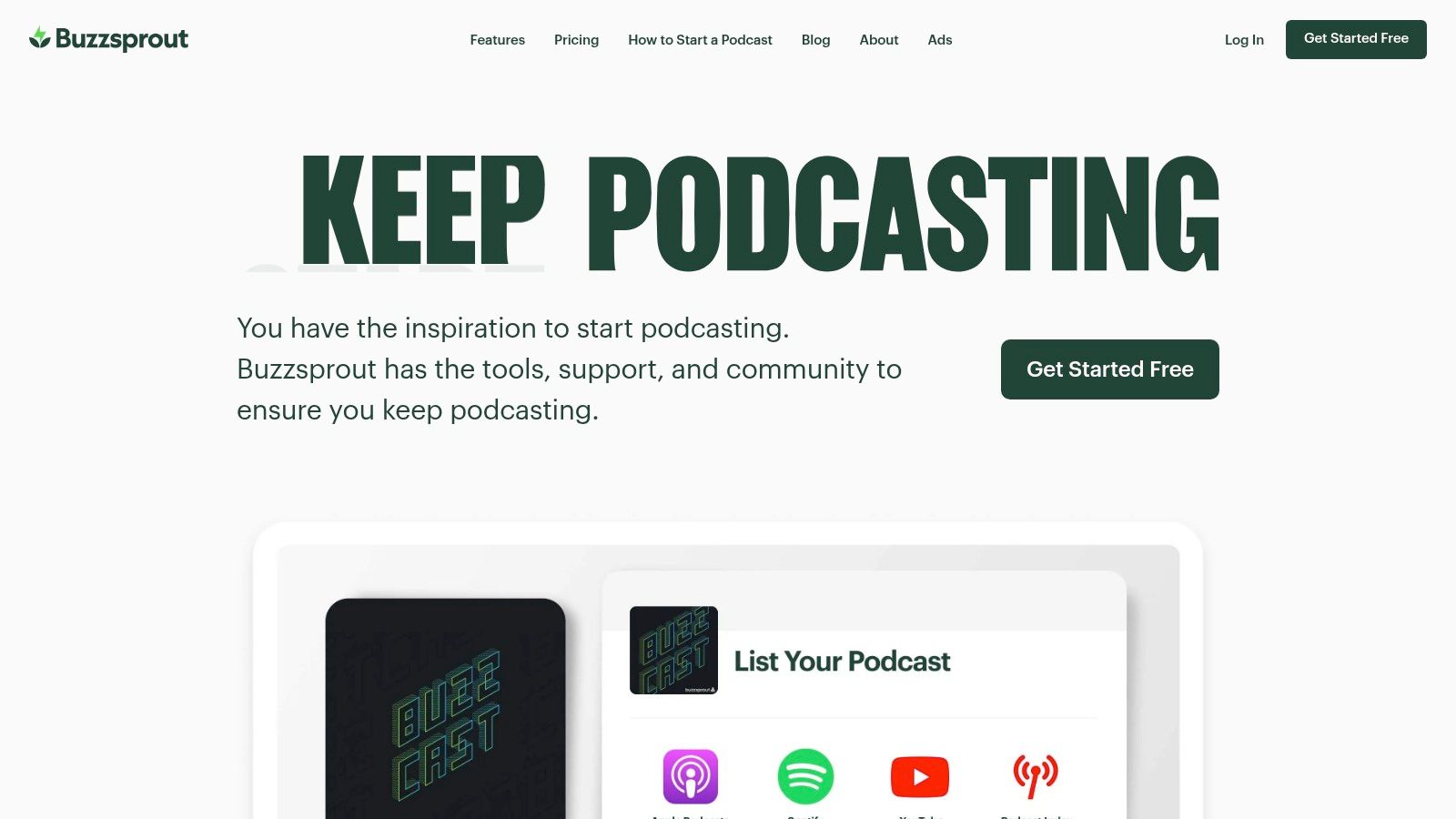
The platform stands out for its clean user interface and educational resources. Buzzsprout guides you through every step, from uploading your first file to understanding analytics. The free plan is a fantastic trial, allowing you to experience the full premium feature set, albeit with hosting limitations.
Core Features & Limitations
- Best For: Beginners looking for a user-friendly hosting platform to launch their first podcast and learn about distribution.
- Platform: Web-based.
- Key Features: Automatic distribution to major podcast directories, an embeddable player, listener analytics, and chapter marker tools.
- Limitations: The free plan is temporary. It allows two hours of uploads per month, but episodes are deleted after 90 days. This makes it a trial platform, not a long-term free solution.
Website: https://www.buzzsprout.com/
12. Adobe Podcast – Enhance Speech
Adobe Podcast’s Enhance Speech is a game-changing AI tool. It is not a full editor but a specialized utility designed to clean up dialogue. It uses AI to remove background noise and reduce echo. For creators who record in noisy environments, this is an invaluable piece of free podcasting software.
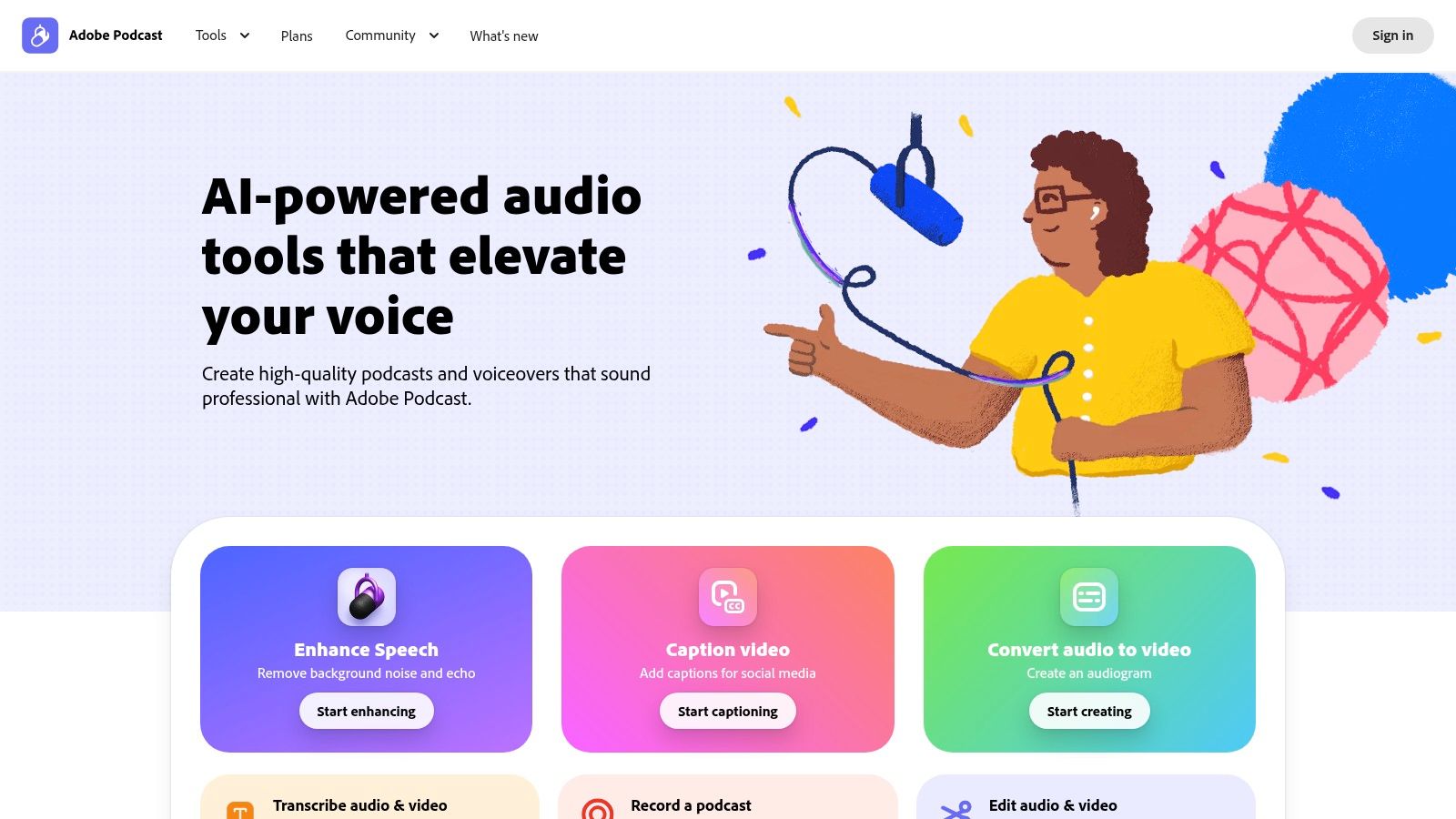
The tool’s power is its simplicity. You upload a problematic audio file, and Adobe’s AI processes it. This is an essential step for salvaging interviews with poor connections or ambient sound. Its effectiveness in rescuing unusable audio makes it a critical tool for any podcaster.
Core Features & Limitations
- Best For: Podcasters who need to quickly rescue poor-quality audio recordings or clean up interviews.
- Platform: Web-based.
- Key Features: AI-powered background noise and echo removal, adjustable enhancement strength, and a simple drag-and-drop interface.
- Limitations: The free version limits users to 30 minutes of enhancement per day and a maximum file duration of one hour. It requires an internet connection and uploading files to Adobe's servers.
Website: https://podcast.adobe.com/
Top 12 Free Podcasting Software Comparison
| Tool | Core features | UX & Quality (★) | Price / Value (💰) | Target (👥) | Unique strength (✨/🏆) |
|---|---|---|---|---|---|
| Audacity | Multitrack editing, noise reduction, plugin support | ★★★★ | 💰 Free, open‑source | 👥 DIY editors & budget podcasters | ✨ Robust free editor & large community |
| Apple GarageBand | Multitrack, vocal presets, Sound Library, iCloud sync | ★★★★ | 💰 Free (Apple devices) | 👥 Solo creators on macOS/iOS | ✨ Polished Apple integration & loops |
| Descript | Text‑based editing, Studio Sound, clips & captions | ★★★★★ | 💰 Freemium (limited free minutes) | 👥 Interview editors & teams | 🏆 Edit-by-text + AI cleanup ✨ |
| Auphonic | Loudness normalization, leveling, noise reduction | ★★★★ | 💰 Freemium (monthly quota) | 👥 Creators needing final mastering | 🏆 One‑click broadcast‑quality mastering ✨ |
| Spotify for Creators | Hosting, distribution, analytics, engagement tools | ★★★ | 💰 💰 Free hosting (paid options/eligibility) | 👥 New publishers seeking distribution | 🏆 Direct Spotify integration & monetization ✨ |
| Riverside | Local separate tracks, high‑quality remote capture | ★★★★★ | 💰 Freemium (watermarks/limits) | 👥 Remote interview shows & producers | 🏆 Studio‑quality remote recording ✨ |
| Cleanfeed | Low‑latency browser recording, multitrack capture | ★★★★ | 💰 Freemium (advanced paid routing) | 👥 Radio & remote interview producers | ✨ Quick, high‑quality browser setup |
| OBS Studio | Scene/capture, per‑source filters, streaming support | ★★★★ | 💰 Free, open‑source | 👥 Video podcasters & streamers | 🏆 Powerful capture + plugin ecosystem ✨ |
| Ocenaudio | Waveform editor, real‑time effects, spectrogram | ★★★ | 💰 Free | 👥 Quick editors needing fast trims | ✨ Lightweight, real‑time effects preview |
| Podbean | Hosting, site, RSS, analytics, monetization paths | ★★★ | 💰 Freemium (Basic free → paid tiers) | 👥 Hosts wanting simple publishing & growth | ✨ True free plan + clear upgrade path |
| Buzzsprout | Guided onboarding, episode optimization, player | ★★★★ | 💰 Freemium (time‑limited free) | 👥 Beginners & educators | ✨ Excellent UX & educational resources |
| Adobe Podcast – Enhance Speech | One‑click noise/echo removal, web studio | ★★★★ | 💰 Freemium (daily caps; Premium upgrades) | 👥 Users needing fast AI cleanup | ✨ Fast, effective speech enhancement ✨ |
Building Your Free Podcast Stack
You have reviewed the landscape of free podcasting software. These tools provide everything needed to produce a high-caliber show. The myth that professional podcasting requires a hefty investment is dismantled. The resources are accessible to everyone.
The core takeaway is this: there is no single "best" free tool, but there is a "best" free workflow. A strategic combination, or "stack," is your key to producing a show that rivals those with big budgets. Your unique needs will dictate the optimal combination of tools for recording, editing, and hosting.
Key Insights and Action Steps
To move from planning to production, you need a clear action plan. The most important decision is which tool best fits your content format and comfort level. Choose one tool from each essential category: recording, editing, and hosting.
- For the Solo Creator: Focus on simplicity. A streamlined workflow using Audacity for editing and Auphonic for mastering is a fantastic starting point. This minimizes your learning curve.
- For the Interview Host: High-quality remote recording is non-negotiable. Tools like Riverside are purpose-built for this, capturing separate audio tracks for maximum control.
- For the Mobile-First Podcaster: An all-in-one solution like Spotify for Creators is invaluable. It handles recording, editing, and hosting directly from your phone.
Your immediate next step is to choose your stack and record a short test episode. This hands-on experience teaches more than hours of research. The initial limitations of free plans are often generous for a new show. You can always upgrade as your podcast grows.
The journey of a podcaster is one of continuous learning. Staying updated on industry trends requires consuming significant content. As a busy professional, finding time for this research can be the biggest hurdle. The efficiency you gain by using free podcasting software can be lost if you spend countless hours just keeping up.
You build efficiency into your production with the right software; now build it into your learning. Instead of spending hours listening to every relevant podcast, get key insights in minutes. With PodBrief, you can access AI-powered summaries of any podcast, turning long-form content into actionable briefings. Start your free trial at PodBrief and reclaim your time.


