A Guide to Spotify Podcast Transcripts

Spotify offers podcast transcripts, a useful but often overlooked feature. This tool allows you to read along with the audio, turning passive listening into an active, searchable experience. You can instantly find specific quotes without scrubbing through the entire episode.
This is a significant time-saver. For busy professionals, transcripts make audio content more efficient. You can quickly scan for data, grab quotes for a report, or find the most relevant part of a discussion in seconds. It’s a major productivity boost.
Why Podcast Transcripts Are a Game Changer
Transcripts fundamentally change how we interact with audio content. For listeners, it offers a new way to engage and consume information faster. For creators, it makes their work more accessible and discoverable.
This efficiency is the core idea behind tools like an AI podcast summarizer, which condenses long episodes into key takeaways.
Transcripts transform audio from a linear, time-based medium into a non-linear, searchable database. This simple change has a massive impact on learning and productivity.
How To Get Podcast Transcripts on Any Device
Accessing a podcast transcript on Spotify is simple. The feature is integrated into the "Now Playing" screen on both mobile and desktop apps. It syncs text with the audio, creating an interactive experience.
As the host speaks, the text scrolls along with them. This is a simple but powerful tool for navigating long episodes.
On Your Phone (iOS & Android)
For listeners on the go, the mobile app makes transcripts easy to find.
Start playing an episode and tap the player bar at the bottom to open the "Now Playing" view. Scroll down past the show notes. If a transcript is available, you will see a card labeled "Transcript."
Tap the card to expand it. This is where the feature becomes powerful:
- Follow Along Live: The current sentence is highlighted in real-time.
- Jump to Any Point: Tap any line of text, and the audio will instantly skip to that moment. This is perfect for pinpointing specific data or quotes without manual scrubbing.
On Your Computer (Desktop & Web Player)
The process is just as direct on your desktop.
While an episode is playing, click the "Now Playing" icon in the bottom-right corner. This opens a panel on the right. Below the episode's cover art, you will find a button labeled "Transcript."
Clicking it reveals the full, synchronized text. Like the mobile version, it scrolls automatically, and you can click any sentence to jump the audio to that spot. This is especially useful for research or pulling quotes for an article.
Transcript Availability Across Spotify Platforms
| Platform | Availability | Key Feature |
|---|---|---|
| iOS/Android App | Full Support | Time-synced scrolling and tap-to-play audio navigation. |
| Desktop App | Full Support | Real-time scrolling and clickable text for precise audio control. |
| Web Player | Full Support | Functionality mirrors the desktop app experience. |
| Smart Speakers | Not Supported | Voice commands do not currently interact with transcripts. |
| Car/Auto Systems | Not Supported | In-car interfaces focus on audio playback controls only. |
If you're using your phone or computer, you should have access to the feature.
The infographic below highlights why this is so valuable for anyone looking to maximize their listening time.
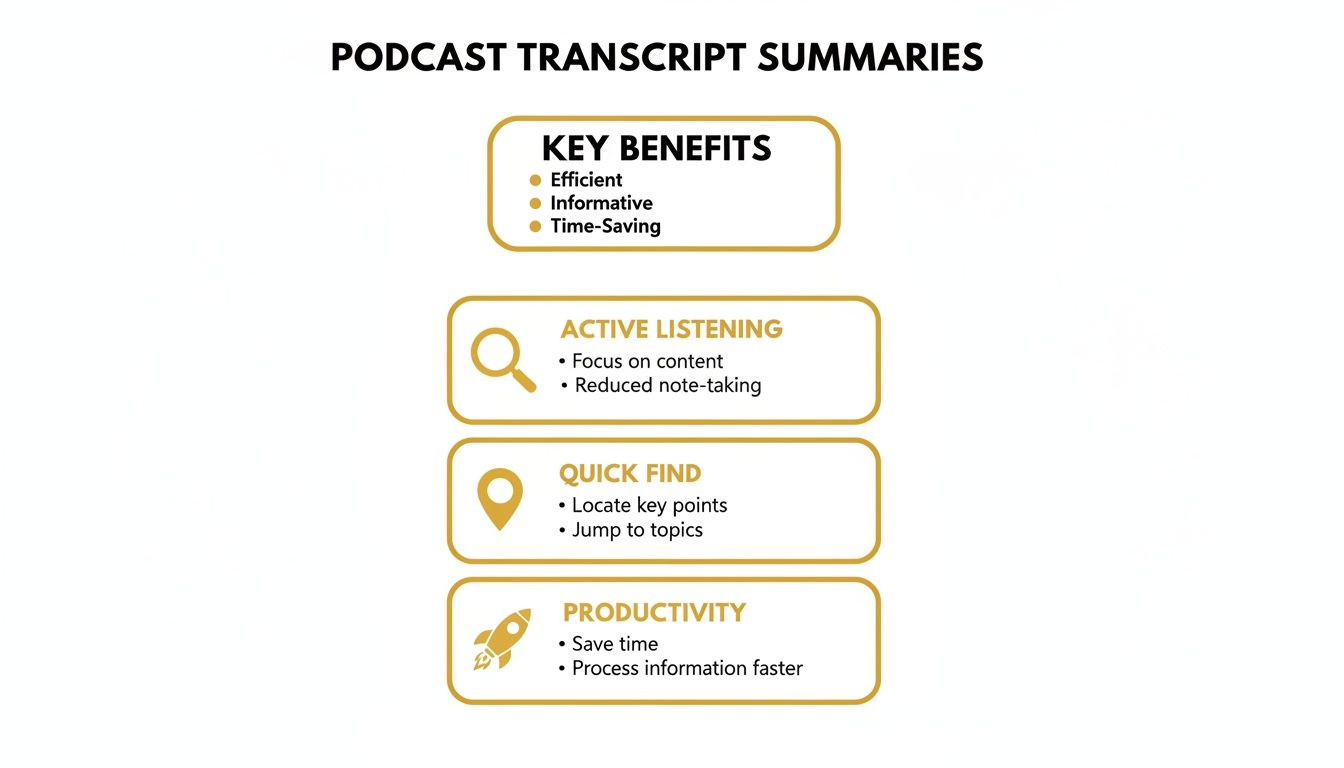
Whether you're at your desk or on the move, the goal is to make audio content more accessible and save you time.
Why Transcripts Are a Strategic Advantage for Podcasters
For podcast creators, transcripts are a powerful strategic asset for growth. They transform passive audio content into an interactive medium with a much wider reach.
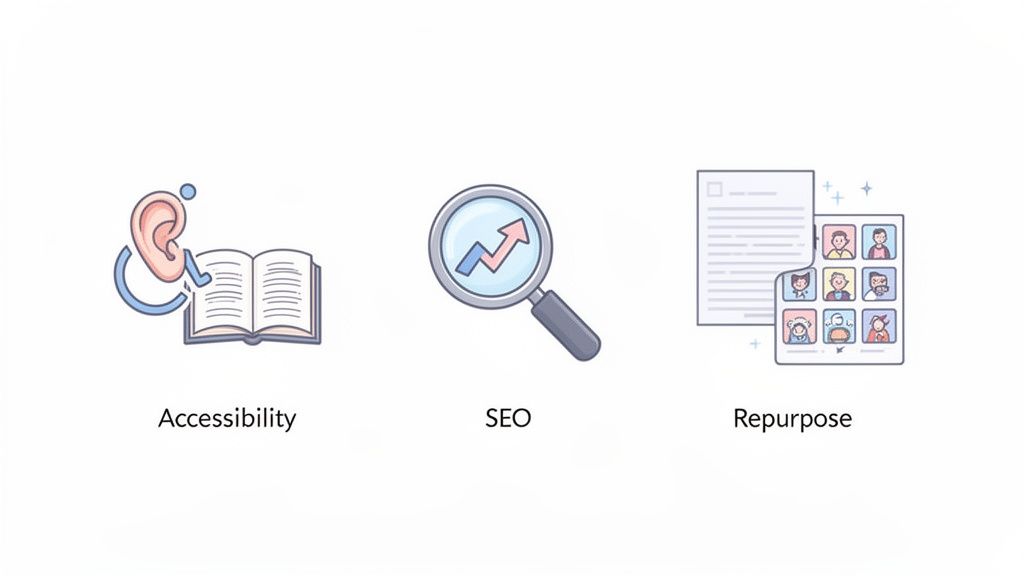
Smart podcasters understand that transcripts deliver a strong return on investment. The benefits center on three key areas: accessibility, SEO, and content repurposing.
Boost Accessibility and Audience Reach
The most direct benefit of a transcript is making your content accessible. This opens your show to people who are deaf or hard-of-hearing. It also helps non-native speakers follow along with complex or fast-paced discussions.
By providing a text version, you are not just being inclusive; you are actively growing your potential audience.
Supercharge Your SEO and Discoverability
Search engines like Google cannot listen to your podcast, but they excel at indexing text. When you publish a Spotify podcast transcript, you give Google a script of your show filled with keywords relevant to your audience.
If you discuss niche marketing tactics on your podcast, a transcript makes those terms searchable. Every key concept becomes a new entry point for listeners to discover your show.
For creators, a transcript is a direct line to search engine visibility. It allows Google to understand—and rank—the expertise shared within each episode, attracting highly relevant listeners.
Streamline Content Repurposing
Every podcast episode is a content goldmine. A transcript is the key to unlocking its value, making it easy to repurpose your audio into other formats. This dramatically reduces the time needed to create new material.
This workflow efficiency is a game-changer for busy creators. It lets you multiply the impact of every episode.
- Blog Posts: A transcript serves as an instant first draft for a detailed article.
- Social Media: Pull out punchy quotes or key stats for posts on X, LinkedIn, or Instagram.
- Email Newsletters: Create a quick summary of episode highlights for your subscribers.
This strategy saves time and ensures consistent messaging. Creators should explore the best AI for podcasters to automate much of this work. Spotify hosts over 6 million podcasts, and transcripts provide a serious competitive edge.
The advantages are clear. Transcripts are a critical tool for growth. If your goal is to expand your audience and maximize content ROI, providing a Spotify podcast transcript is essential.
Troubleshooting Spotify Transcripts: What to Do When They Don't Work
Spotify's podcast transcripts are a great feature, but they can be finicky. If you have trouble finding or using them, it's usually due to a few common issues.
The most common reason a transcript is missing is that the podcaster has not provided one. This is an opt-in feature, so if the creator hasn't uploaded a transcript, Spotify cannot display it.
Why Isn't the Transcript Showing Up?
Beyond the creator's choice, a few technical issues could be the cause. Spotify sometimes rolls out features by region, so it might not be live in your country yet.
The problem could also be on your end. An outdated version of the app or a temporary glitch can prevent features from working correctly.
Here is a quick checklist of common causes:
- The Creator Didn't Add One: This is the most frequent reason.
- Slow Regional Rollout: The feature may not be available in your location yet.
- Your App Needs an Update: An old version of Spotify may lack the latest features.
- A Temporary Glitch: A quick app restart often resolves the issue.
What if the Transcript is Inaccurate?
If you find a transcript, but the text is garbled, it was likely auto-generated by AI. While transcription technology has improved, it is not perfect.
AI transcription often struggles with:
- Strong accents
- Multiple speakers talking at once
- Specialized or technical language
This highlights the need for accurate transcripts. With Spotify projected to command a 35% market share by 2025, listener engagement is critical. Data shows 20-35% of listeners drop off in the first five minutes, making tools like transcripts crucial for retaining an audience. You can find more data in this report on podcast stats from Riverside.fm.
What to Do When Transcripts Are Unavailable
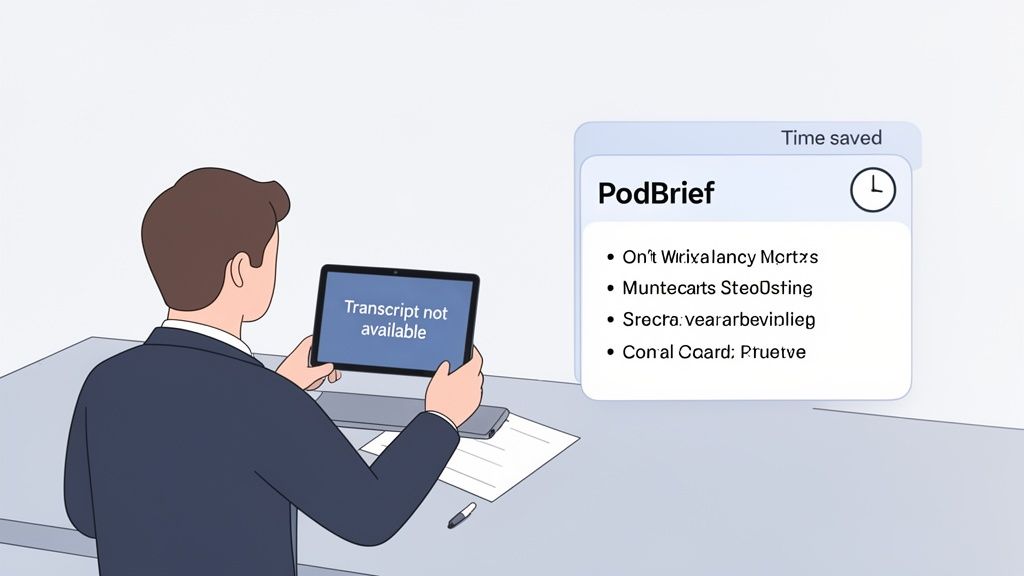
You found the perfect podcast episode, but the Spotify podcast transcript is missing. This is a common problem. Your options are to spend an hour listening or abandon the content altogether. Neither works for a busy professional.
The podcasting world is growing rapidly, with a projected 619.2 million listeners by 2026. With so much content, you need a way to find valuable information fast. These podcast statistics show the incredible scale of the industry.
From Raw Text to Actionable Insights
You could use a third-party service to translate audio to text, but this often results in a large, unformatted wall of text. Reading it can take as long as listening, defeating the purpose.
The goal is not just to have the words on a page. The goal is to extract actionable insights. A specialized tool is needed to cut through the noise and deliver the core message.
The bottom line: A raw transcript is not the same as actionable intelligence. For executives, the value is in distilled takeaways, not a verbatim script.
This is exactly why we built PodBrief. Our platform doesn't just transcribe. It analyzes the entire episode and generates a concise, executive-style summary, highlighting key ideas and crucial takeaways.
The Ultimate Productivity Hack
PodBrief is a productivity hack for anyone who values their time. It streamlines the process of extracting information from audio.
- Eliminate Hours of Listening: Get critical information in minutes.
- Focus on Core Concepts: Skip the filler and get straight to valuable insights.
- Make Informed Decisions Faster: Use summarized podcast intelligence to sharpen your strategy.
Instead of hunting for a non-existent Spotify podcast transcript, you get a clear, concise briefing ready for immediate use.
Your Top Spotify Transcript Questions, Answered
Here are direct answers to common questions about Spotify podcast transcripts.
Are Transcripts Available for Every Single Podcast?
No. Availability depends on the podcaster. The creator must enable the feature for their show. It is not a universal feature yet, so you will find it on some podcasts but not others.
Can I Download or Export a Transcript from Spotify?
No. The transcript is locked within the app. It is designed for real-time reading and in-episode navigation, not for exporting as a text file. If you need a saved copy, you must use a third-party service.
How Accurate Are These Transcripts, Really?
They are generally accurate for professionally produced shows with clear audio. However, the AI can make mistakes.
Expect errors with:
- Strong accents
- Industry-specific jargon
- Crosstalk where multiple people speak at once
Bottom line: Use the transcript as a guide to follow along or find a specific moment. Do not treat it as a 100% accurate document for formal use.
Is There a Way to Turn Off the Transcript Feature?
You cannot disable the feature entirely. However, the transcript is located in a collapsible card. If you do not expand it, it remains out of sight and will not interfere with your listening experience.
When a Spotify podcast transcript isn't available—or you need insights, not just text—PodBrief provides the solution. Our AI creates a tight executive summary with all key takeaways. You get the core message in minutes, not hours. Try PodBrief for free to accelerate your learning.


