
Keeping up with politics on YouTube feels efficient until you realize you’ve spent an hour on clips, reactions, and half-context takes. So the question isn’t which channels are popular. It’s which channels are useful.
This guide focuses on the best political youtube channels for busy professionals who need signal, not noise. Each pick plays a different role in a smart workflow. Raw source material. Straight reporting. Explainers. Left and right commentary. Cross-ideological analysis.
Use the list that way. Don’t treat every channel as a daily watch. Treat them as tools.
If you also want a faster way to process long videos, pair these channels with AI summaries. That’s the practical use case for PodBrief. You keep the perspective of long-form political content without sitting through every minute. If you're also trying to evaluate channel quality more broadly, this guide on 10 advanced YouTube growth strategies is a useful companion read.
1. PBS NewsHour
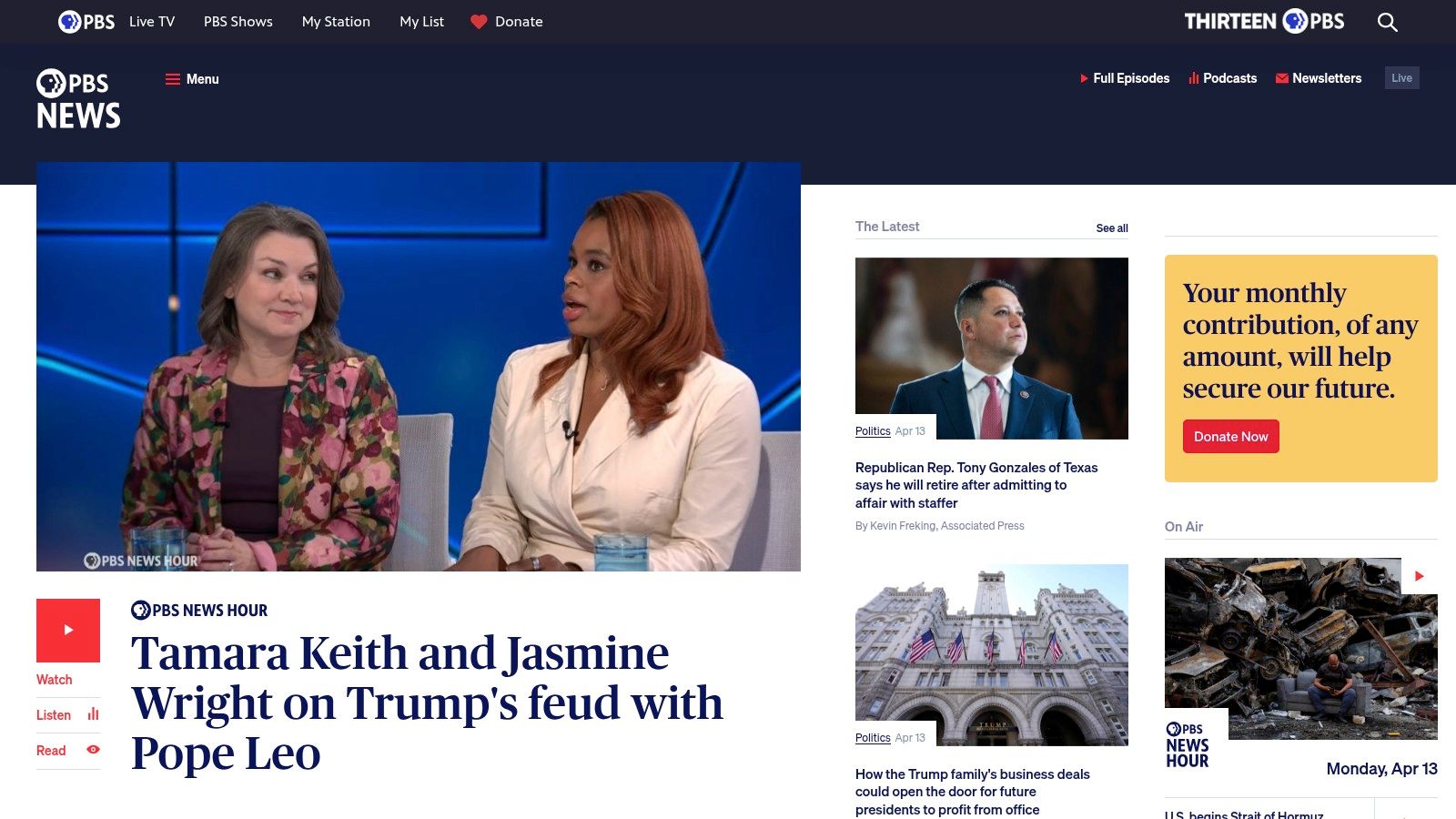
If you want one mainstream outlet for calm, high-trust political coverage, start with PBS NewsHour. It’s the closest thing on this list to a reliable baseline.
PBS works best when you need a grounded read on a policy story, a court development, an election update, or a major international political event. The tone is measured. The pacing is slower than commentary channels, which is exactly why it’s useful. You get fewer theatrics and more reporting.
Why PBS NewsHour earns a permanent spot
PBS is strongest when the story is complex and the internet is reacting too fast. Budget negotiations, foreign policy shifts, hearings, public health decisions, and election administration all tend to summarize well from PBS segments because the reporting is usually structured and source-driven.
That matters if you’re trying to get informed quickly. A lot of political YouTube rewards outrage. PBS rewards patience.
For readers who want more straight-news options beyond politics, PodBrief’s roundup of best YouTube channels for news is worth bookmarking.
Best use case
Use PBS as your first stop for orientation, not your only stop for opinion. Watch it before you watch partisan or ideological channels. That gives you a clean version of the event before other creators frame it for you.
A strong workflow looks like this:
- Start with the segment, not the full show: Search the topic you care about and watch the dedicated clip.
- Use interviews for direct quotes: PBS is good for hearing policymakers and experts in context.
- Skip if you only want instant reactions: That’s not what this channel is built for.
Practical rule: When a story involves policy, law, or foreign affairs, get the PBS version first. Then compare commentary later.
Where it falls short
PBS isn’t built for speed-scroll consumption. If your habit is quick clips and hot takes, it may feel too deliberate. It also won’t satisfy people who want aggressive ideological framing.
That’s fine. Its job is different. PBS gives you a more stable base layer than most channels in the best political youtube channels category.
Bottom line
Pick PBS NewsHour for disciplined, fact-focused political monitoring. It won’t entertain you the way commentary channels do, but it will waste less of your attention.
2. C-SPAN
C-SPAN is not exciting. That’s why it’s indispensable.
If your job, research, or investing decisions depend on what public officials said, not what someone said they meant, C-SPAN is one of the best political youtube channels you can use. It gives you unedited source material from Congress, White House events, hearings, campaign appearances, and other official proceedings.
Best for primary-source verification
Most political channels interpret events. C-SPAN records them.
That difference matters when a clip starts circulating online with a strong partisan caption. On C-SPAN, you can check the full exchange, see what happened before and after, and judge the tone yourself. That makes it a strong tool for analysts, policy professionals, journalists, students, and anyone who hates being manipulated by selective editing.
How to use C-SPAN efficiently
Don’t watch C-SPAN the way you watch a show. Watch it like a database.
Use it when you need to:
- Verify testimony: Go back to hearings and watch the full answer, not just the viral excerpt.
- Track legislative signals: Floor speeches and committee sessions often reveal priorities before headlines catch up.
- Review press events: Briefings and formal remarks are easier to evaluate when no host interrupts them.
Raw footage is the fastest way to escape someone else’s framing.
That’s also where PodBrief becomes practical. C-SPAN produces exactly the kind of long, dense video most professionals don’t have time to sit through. Summarizing a hearing or press conference into a readable brief is far more realistic than pretending you’ll watch the full archive every week.
Why it’s powerful and frustrating
C-SPAN’s biggest strength is also its biggest weakness. There’s no editorial handholding. You get no built-in context, no digest, and no ranking of what matters most. If you’re new to a topic, that can be overwhelming.
Still, if your standard is “show me the original footage,” nothing else on this list replaces it.
Recommended workflow
Pair C-SPAN with one reporting channel and one commentary channel.
- Watch the original event on C-SPAN.
- Use PBS NewsHour or another reporting outlet for context.
- Use a left-leaning and right-leaning commentator to see how each side is framing it.
That sequence saves time and reduces blind spots.
Bottom line
Use C-SPAN when accuracy matters more than convenience. It’s not your daily habit channel. It’s your verification channel.
3. Vox
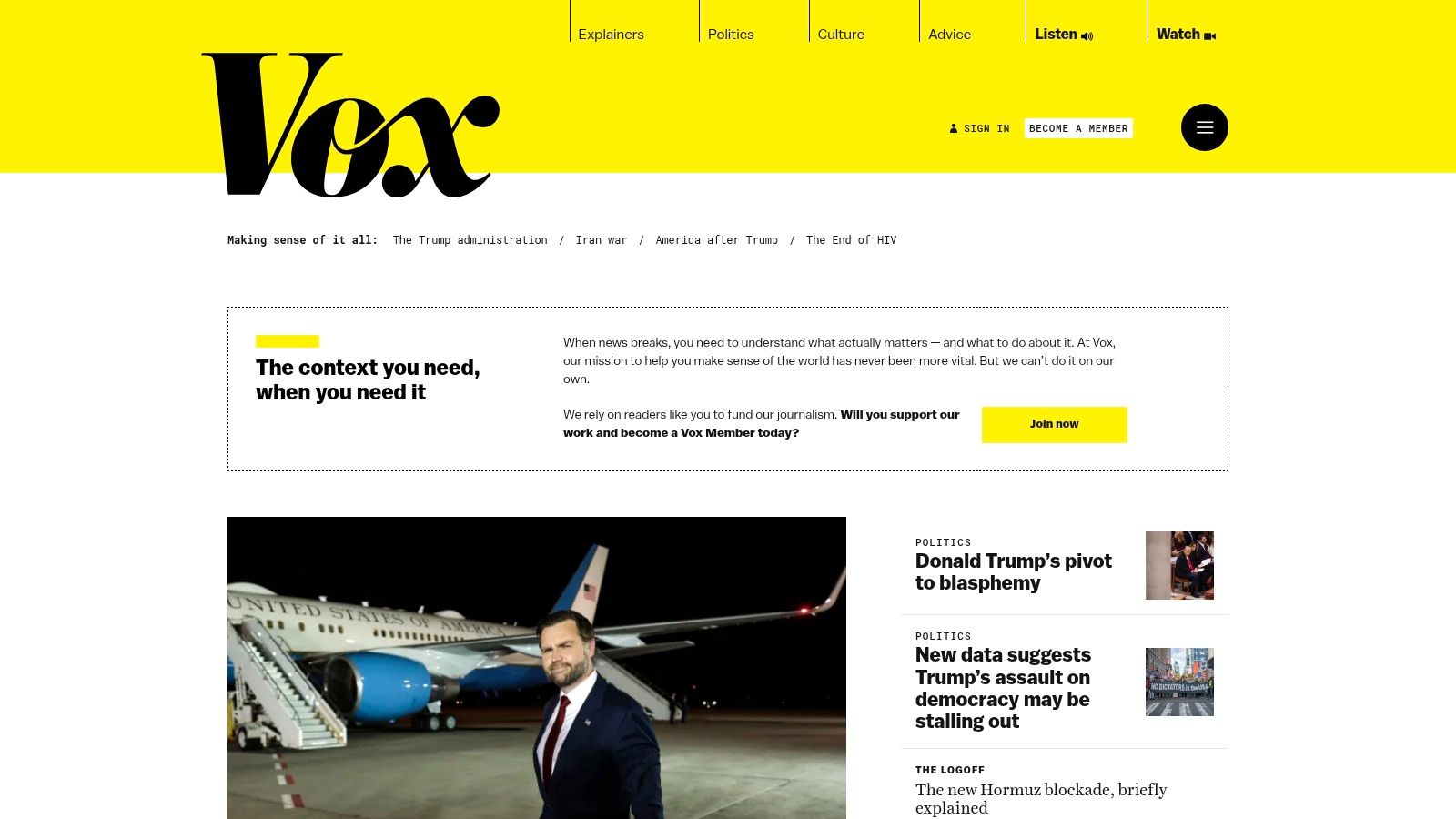
If PBS tells you what happened, Vox is often better at explaining why it matters.
Vox belongs on this list because busy professionals don’t just need updates. They need frameworks. Institutions, court systems, election rules, public policy mechanics, and foreign policy concepts all move faster when you already understand the structure behind them. Vox is one of the best political youtube channels for building that foundation.
Best for explainers and background knowledge
Vox is strongest before a story becomes urgent. Its videos help you understand systems, not just incidents. That makes the channel useful for people who want to sharpen their political literacy without drowning in daily churn.
Its style is visual and accessible. The writing usually aims for clarity first. That’s a major advantage if you need to get up to speed on a topic quickly and move on.
For readers who also rely on audio-first updates, PodBrief’s guide to the best podcasts for daily news pairs well with Vox’s explainer format.
When to watch Vox
Use Vox in three specific situations:
- Before a major election or court ruling: Get the rules and context first.
- When a policy topic keeps showing up in headlines: Immigration, healthcare, central banking, industrial policy, and similar subjects are easier to track after one solid explainer.
- When you’re briefing someone else: Vox videos often condense into clear talking points.
The tradeoff
Vox is not your best option for minute-by-minute political breaking news. It’s built for understanding, not immediate reaction. It also tends to present issues through a U.S. progressive policy lens, so you shouldn’t treat it as neutral.
That doesn’t make it less useful. It just means you should know what role it plays.
Use Vox to learn the map. Use other channels to track the traffic.
A smart workflow for professionals
Watch one Vox explainer on a recurring issue, then use other channels to monitor developments on that issue over time. This works especially well for topics like election law, Congress, the Supreme Court, labor, or international conflicts.
If the video is long, summarize it in PodBrief and save the brief. That gives you a reusable reference instead of relying on memory.
Bottom line
Choose Vox when you need context fast. It’s one of the most efficient channels for turning confusion into usable understanding.
4. Breaking Points with Krystal and Saagar
Breaking Points is the best pick here if you want structured political commentary from two different ideological instincts in one place.
That’s its edge. You’re not getting conventional cable-news framing. You’re getting a left-populist and right-populist read on the same political environment. For busy viewers, that saves time because you can hear tension, overlap, and disagreement without building your own split-screen from separate channels.
Why it works
Most commentary channels preach to one audience. Breaking Points is better at surfacing where the hosts diverge and where they align against institutions, party leadership, or media narratives.
That makes it useful for professionals who don’t want bland centrism but also don’t want to live inside one tribe’s framing. It’s one of the best political youtube channels for comparing narrative construction in real time.
If political audio shows are part of your routine too, PodBrief’s list of best podcasts for politics is a natural next read.
Best use case
Breaking Points fits the middle of your workflow.
Start with a straight-news or primary-source channel. Then use Breaking Points to understand how the story is being interpreted through populist lenses. It’s especially useful for topics involving:
- media criticism
- labor and class politics
- campaign strategy
- foreign policy disputes
- elite institution mistrust
What to watch for
This is opinion journalism. Treat it that way.
The value isn’t neutrality. The value is clear argumentation from identifiable viewpoints. That’s a better product than channels that pretend to be above politics while pushing a line.
Watch Breaking Points to test your assumptions. If both hosts challenge your view for different reasons, pay attention.
Where it can slow you down
Some segments run long, and not every monologue deserves full attention. If you’re short on time, don’t try to keep up with every upload. Pick the stories that intersect with your work or core interests.
Here, AI summaries help. You can process the key claims, note areas of agreement or conflict, and decide whether the full segment is worth your time.
Bottom line
Use Breaking Points for efficient cross-ideological commentary. It’s not raw news, but it’s one of the strongest channels for understanding how serious political narratives are being built.
5. The Young Turks
The Young Turks is the highest-velocity option on this list for progressive reaction, panel debate, and daily political momentum.
If you want to know how a major U.S. political story is being framed from a clear progressive position, TYT gives it to you fast. The network has range. Monologues, debates, interviews, clipped reactions, field reporting, and issue-specific segments all show up in the feed. That volume is both a strength and a filtering problem.
Best for tracking progressive energy
TYT is useful because it doesn’t hide its editorial stance. That makes it easier to interpret than outlets that mix reporting and opinion without drawing a line.
For professionals, the best use of TYT isn’t “watch everything.” It’s to monitor which stories get emphasis, outrage, or sustained attention in progressive digital media. That helps if you work in public affairs, communications, advocacy, education, or content strategy.
What makes TYT worth your time
TYT works well when politics is moving quickly and you want to understand the progressive argument in plain terms. It’s also useful for finding issue clusters. Search almost any hot-button topic and you’ll usually find a backlog of clips and discussions.
A focused way to use the channel:
- Scan the latest uploads: Look for repeated themes, not just one-off reactions.
- Prioritize panel segments: They often reveal internal disagreements and nuance.
- Use topic search: TYT’s volume becomes an advantage once you search by issue.
The drawback
The same intensity that makes TYT engaging can make it draining. If you watch too much in one sitting, the channel can pull you into the emotional pace of the news cycle. That’s not always productive.
Also, if you’re seeking neutral framing, this isn’t the channel for that. TYT is valuable because it is clear, not because it is detached.
Why it still belongs on this list
The best political youtube channels shouldn’t all sound the same. A good monitoring stack needs channels that represent actual ideological currents. TYT remains one of the clearest progressive channels for doing that.
Global YouTube politics also shows how fragmented the space has become. In the U.S. market, viewership is concentrated among niche political channels rather than mainstream broadcasters, with Paul Joseph Watson ranked first by views in March 2026 at 587.4K monthly views and 2.1M subscribers, according to HypeAuditor’s U.S. News & Politics ranking. That fragmentation is exactly why comparing channels like TYT with ideologically different creators matters.
Bottom line
Use TYT to track progressive framing, not to replace source material. It’s fast, clear, and useful when you need to know what the left side of online political media is emphasizing.
6. The Ben Shapiro Show
The Ben Shapiro Show on DailyWire+ is one of the most efficient ways to monitor mainstream conservative argumentation on YouTube.
You know what you’re getting. High-frequency episodes. Predictable cadence. Strong point of view. That consistency makes the show practical for professionals who need to understand how stories are being interpreted on the right without hunting across a scattered ecosystem.
Why this channel matters
A lot of busy people make the same mistake. They sample channels that fit their priors and assume they understand the other side because they’ve seen clips of it. That’s weak analysis.
The Ben Shapiro Show is useful because it gives you a stable feed of conservative framing across politics, courts, media, culture, and elections. Even if you disagree with the conclusions, you’ll hear the arguments that travel.
How to use it without wasting time
Don’t use this channel for neutral reporting. Use it for argument tracking.
A strong approach:
- Watch the opening segment first: That usually tells you the day’s core frame.
- Compare with a progressive channel on the same story: This exposes what each side prioritizes or omits.
- Skip full archives unless the topic matters directly to your work: The volume is high, and not every episode deserves full attention.
The tradeoff
The show’s perspective is the product. If you want detached analysis, look elsewhere. Full programs and archives also sit within the broader DailyWire+ ecosystem, which adds friction if you prefer a pure YouTube-only workflow.
Still, for monitoring conservative discourse, the consistency is a strength.
A useful market signal
The broader political YouTube space rewards clear positioning. The TubeOnAI roundup of political channels points out how heavily many recommendation lists skew toward U.S.-based creators such as The David Pakman Show, Louder with Crowder, and Breaking Points, while giving less attention to deeper non-U.S. political coverage in Europe, Asia, or Africa, according to TubeOnAI’s political channel guide. For Shapiro, that U.S.-centric ecosystem is an advantage. He operates in a highly visible domestic commentary lane.
If you need to understand conservative messaging, don’t rely on secondhand summaries from people who oppose it. Watch the original argument.
Bottom line
Use The Ben Shapiro Show as your conservative comparison channel. It’s one of the clearest ways to monitor right-leaning political framing at scale.
7. The David Pakman Show
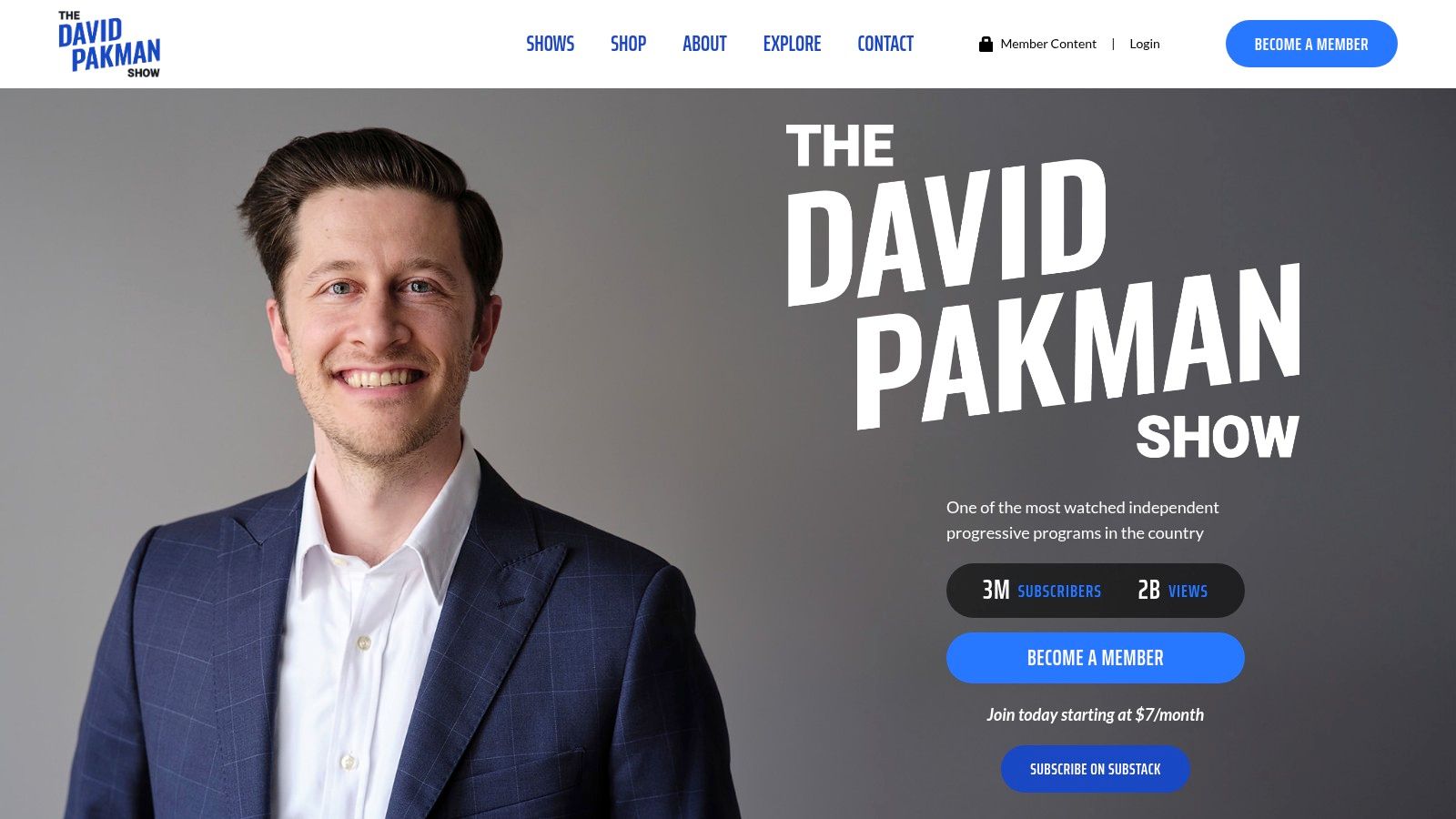
The David Pakman Show is the most structured progressive commentary pick on this list. If TYT is high-energy and broad, Pakman is tighter and more linear. That makes his channel easier to summarize, easier to compare, and easier to fit into a professional routine.
Best for clean progressive analysis
Pakman’s biggest strength is format discipline. His segments are usually built around a central claim, a set of examples, and a clear conclusion. If you need to understand a left-leaning interpretation of a story without the chaos of a panel-heavy network, this is a strong choice.
That clarity matters when time is scarce. It also makes the channel a good fit for AI briefing workflows and multilingual summaries.
Why busy professionals should care
Not all commentary channels are efficient. Some make simple points slowly. Pakman usually doesn’t. You can scan titles, choose only what matters, and get a coherent read quickly.
He’s especially useful for:
- Media criticism: Good for tracking how mainstream coverage is being challenged from the left.
- Election analysis: Clear monologue format helps with fast review.
- Interview-based perspective checks: Useful when you want a progressive host who can stay on topic.
The limitation
Like TYT, Pakman is not neutral. If your only intake comes from this channel, your perspective narrows. Use it as one part of a broader stack.
That said, there’s a difference between bias and sloppiness. Pakman’s structure makes his bias easier to identify and evaluate.
One strategic note on global context
If you only follow U.S. commentary channels, your political media diet gets narrow fast. Global political YouTube is much larger than many English-language viewers realize. As of 2026, Indian news and politics channels dominate subscriber counts globally, with Aaj Tak at 74.9M subscribers, ABP NEWS and IndiaTV at 50.4M each, Zee News at 42M, and Narendra Modi’s channel at 29M, according to Social Blade’s global News subscriber ranking. That’s a reminder to treat U.S. channels like Pakman as one slice of the ecosystem, not the whole thing.
Bottom line
Choose The David Pakman Show for concise progressive commentary you can process quickly. It’s one of the easiest channels on this list to turn into an efficient daily scan.
Top 7 Political YouTube Channels Comparison
| Source | 🔄 Implementation complexity | ⚡ Resource requirements | 📊 Expected outcomes (⭐) | 💡 Ideal use cases | ⭐ Key advantages |
|---|---|---|---|---|---|
| PBS NewsHour | Moderate, requires editing longer segments and context-aware summarizing | Medium, longer clips and transcription time; digital assets available | ⭐⭐⭐⭐, high factual accuracy and deep policy summaries | Fact-focused reporting, long-form policy explainers, primary-quote clips | High editorial standards; balanced, explainers suitable for research |
| C-SPAN | Low–Moderate, straightforward capture but heavy curation needed for relevance | High, large archives and time to sift raw footage | ⭐⭐⭐⭐, extremely reliable primary-source material (unedited) | Primary-source citations, timelines, raw congressional/committee footage | Unedited records and deep on-demand library for verification |
| Vox | Low, ready-made explainers that are easy to repurpose | Low–Medium, visual/data assets require attribution and occasional re-editing | ⭐⭐⭐⭐, clear, accessible background and context | Topic primers, evergreen explainers, quick visual introductions | Strong visual storytelling and context-first framing |
| Breaking Points with Krystal and Saagar | Moderate, opinion content needs labeling and balance checks | Low–Medium, frequent uploads; some premium-hosting logistics | ⭐⭐⭐, useful for contrasting perspectives and analysis | Comparative perspective pieces, ideological contrast, guest interviews | Split-perspective format delivering both left/right populist views |
| The Young Turks (TYT) | Low, high-volume output but requires filtering for quality segments | Medium–High, many uploads; active community content and memberships | ⭐⭐⭐, timely progressive analysis and rapid reactions | Progressive monitoring, panel discussion highlights, rapid response clips | High output and issue-specific catalogs with engaged audience |
| The Ben Shapiro Show (DailyWire+) | Low, consistent format simplifies clipping but paywalled archives exist | Low–Medium, regular clips free; full archives behind DailyWire+ paywall | ⭐⭐⭐, clear conservative commentary and predictable framing | Capturing mainstream conservative arguments, routine monitoring | Consistent cadence, large audience and predictable topics |
| The David Pakman Show | Low, structured monologues and interviews are easy to summarize | Low–Medium, cross-platform distribution; some member-only segments | ⭐⭐⭐, clear explainers suited for study and multilingual briefs | Media criticism, explainers, interview excerpts for study aids | Clear structure, consistent schedule, cross-platform availability |
Turn Information Overload into Actionable Intelligence
The best political youtube channels aren’t all trying to do the same job. That’s a common mistake. They compare channels as if one should deliver raw footage, balanced reporting, ideological critique, and deep explanation all at once. That doesn’t work.
Use channels by function.
PBS NewsHour is your baseline reporting layer.
C-SPAN is your primary-source verification layer.
Vox is your explainer layer.
Breaking Points is your cross-ideological commentary layer.
TYT and David Pakman cover progressive framing in different styles.
The Ben Shapiro Show gives you a clear conservative counterpart.
That mix is more useful than chasing a mythical “perfect” political channel.
It also reflects how the platform works. Political YouTube is fragmented. In the U.S., niche commentators often pull concentrated attention instead of a few mainstream giants dominating the category. Globally, the scale is even larger and more diverse, with major political and news audiences forming outside the English-language sphere. If you only watch one lane, you won’t just miss perspectives. You’ll misunderstand where attention lives online.
For busy professionals, the solution isn’t watching more. It’s building a workflow that reduces wasted attention.
Use this one:
- Start with source material or straight reporting: C-SPAN or PBS.
- Add context: Vox.
- Check ideological framing: Breaking Points, TYT, Pakman, or Shapiro.
- Summarize and store key insights: Don’t rely on memory when the news cycle moves this fast.
That last step matters most. Long-form political video creates a false sense of productivity. You feel informed because you spent time listening. But listening isn’t the same as extracting usable insight. Most professionals don’t need another hour of punditry. They need the core claims, the key facts, the opposing frame, and the implications.
That’s where PodBrief fits naturally. Instead of sitting through full hearings, long interviews, or dense commentary episodes, you can generate a brief you can read or listen to quickly. Then decide whether the original video deserves your full attention. That turns political YouTube from a time sink into a decision tool.
It also helps with consistency. You’re far more likely to keep up with politics if the workflow fits your real schedule. A saved summary library is more valuable than a vague memory of a clip you watched three days ago. For analysts, researchers, students, and executives, that shift is practical. You move from passive consumption to active review.
One final point. Don’t build your political YouTube stack only around voices you already agree with. The goal isn’t comfort. The goal is coverage. A good channel mix should help you spot framing, test assumptions, and catch blind spots before they shape your decisions.
If you want a broader strategy for evaluating channels in your niche, this guide to YouTube competitive analysis is a useful add-on.
Your time is your most valuable asset. Don’t waste it on unstructured political media consumption. Build a small, deliberate channel stack. Use each one for a defined purpose. Summarize aggressively. Review what matters. Ignore the rest.
PodBrief helps you turn political YouTube into a fast, repeatable briefing workflow. Paste in a video, generate an AI summary, and get the key points without sitting through the full episode. Your first five summaries are free with no credit card required. Try PodBrief and get faster on the channels that matter.